Track hours, optimize project resources, and manage multiple deadlines — deliver to clients on time, every time.
Project scheduling
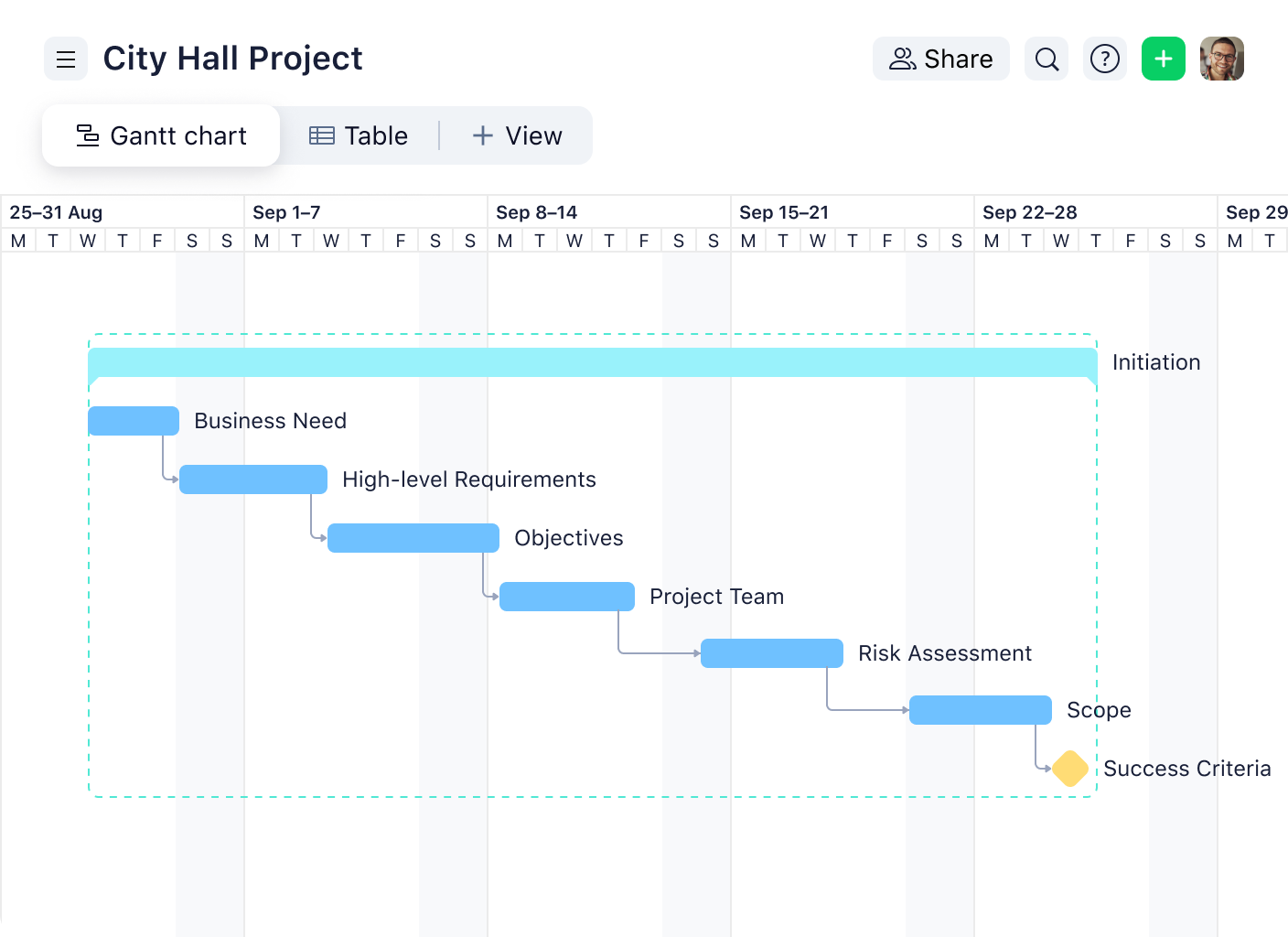
Structure your consulting project management with an easy-to-follow timeline. Assign due dates and track progress seamlessly.
Business process management
Review, improve, and monitor business processes with Wrike. Use the business process management template to optimize and adjust your operations.
Communication planning
Share updates and align stakeholders — bring the power of real-time communication to your consulting project management.
Marketing operations management
Design custom request forms, execute client campaigns, and demystify reams of data to keep projects on course.
Sales asset management
Organize your assets into folders and use custom fields to find information easily — upgrade your software for consulting today.
Discover Wrike for professional services in 2.5 minutes:
Integrate your consultancy tools
Gain access to your favorite apps with Wrike. Our project management software for consultants includes 400+ integrations, so you can save time switching between platforms.
“I think it’s amazing to have a tool that helps us collaborate, and to be surrounded by people who have the same vision and want to get everything done, and done beautifully.”

Dan Stevens, Director of Marketing Services, Capgemini
“The flexibility is a key strength. Given how diverse our teams are and all the different things they deliver to clients, it’s great to support all of that in one ecosystem.”

David Laffitte, Operations Director, Miles Partnership
How to use Wrike’s project management software for consultants
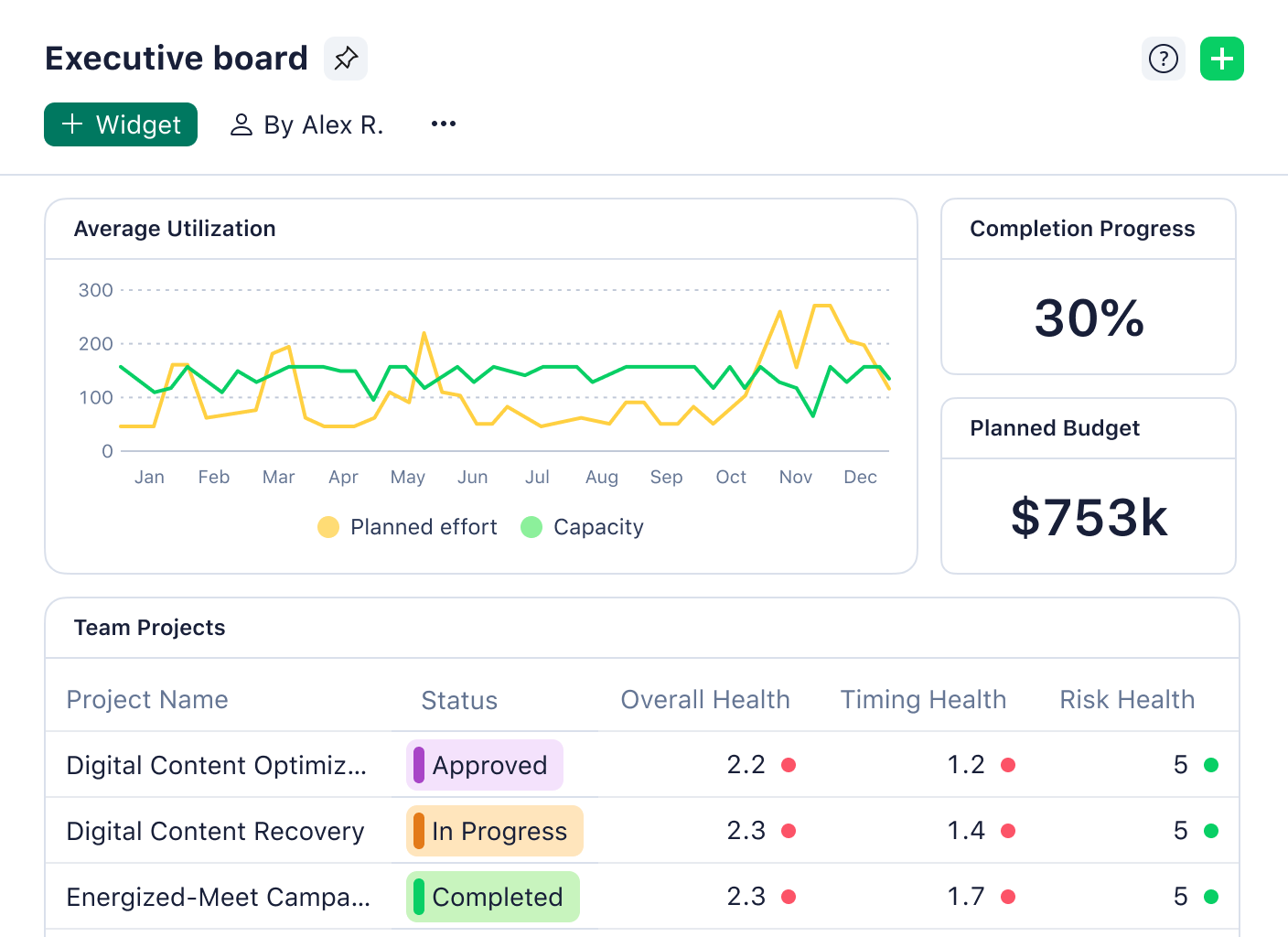
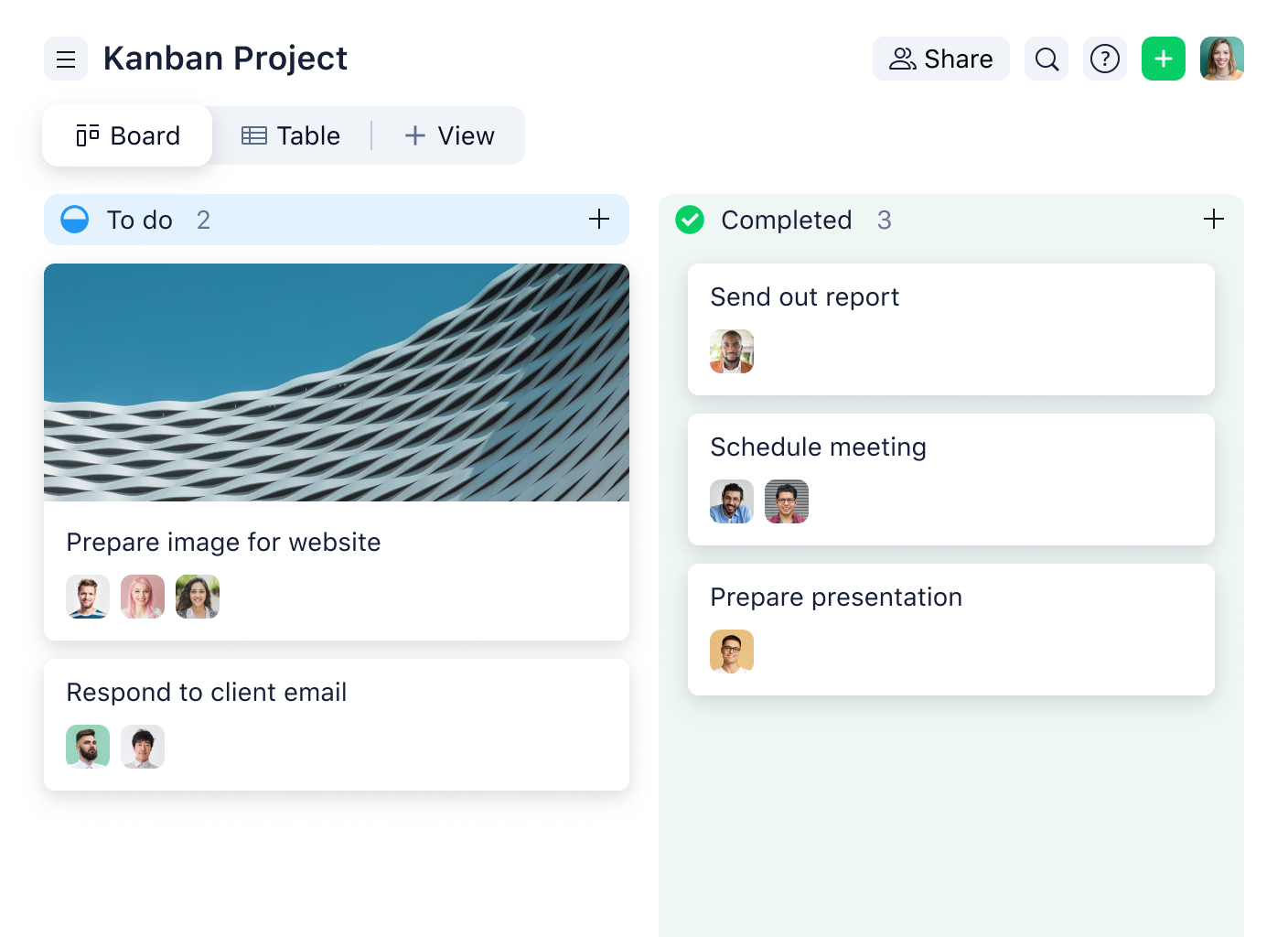
Improve resource planning with intuitive time tracking tools. Monitor project progress with versatile Gantt charts and Kanban boards. Build custom reports and analytics dashboards to review client processes, identify weaknesses, and make recommendations.
Unlock insights with powerful resources
professional services guide
Upgrade your professional services
Navigate selling and billing with Wrike’s comprehensive guide — boost your consulting project management skills today.
Use case
Build strong client relationships
Wrike’s project management software for consultants can help grow your reputation and exceed customer expectations.
Team solution
Get a company-wide view
Use Wrike’s consulting management software to analyze business processes, increase visibility, and mark areas for improvement.
use case
Manage resources effectively
Optimize resources with all-in-one software for consulting. Decide priorities, track performance, and hit targets with Wrike.
ebook
Tackle change head-on
Enhance your consulting project management with expert tips and best practices on how to embrace organizational change.
Ebook
Collaborate with ease
Find out how a collaborative work management solution can help you improve your efficiency and service delivery.
Revitalize your consulting project management today
The best software for consulting
based on 13,000+ reviews from
FAQ
To achieve success in consulting project management, you should track time spent on tasks, monitor project progress, create reports, analyze data, and share regular updates with stakeholders.
Project management software for consultants is important because it equips teams with the tools they need to review processes, derive valuable insights, and present these findings to clients.
Wrike offers robust software for consulting professionals, including easy-to-use time tracking tools, customizable analytics dashboards, Gantt charts, Kanban boards, and proofing features.
Wrike’s project management software for consultants has a range of real-time communication tools for client collaboration. These include a live editor, request forms, shared calendars, and messaging app integrations.
Get to know Wrike better
Search for features and resources to see how Wrike powers your team’s success with tailored solutions.
Wrike enhances its website search experience using Google's Vertex AI Search and Conversation generative AI service. Users are cautioned that generative AI might produce inappropriate, inaccurate, offensive, or unintended results, and are advised against submitting explicit, harmful, offensive, or illegal content as search input. Neither Wrike nor Google uses your search inputs to train its machine learning models or for advertising purposes, but search activities may be collected and/or stored via cookies in accordance with our Privacy Policy if you previously registered on our website. These cookies can be deleted through your browser settings. Wrike's search service is not designed to be used in connection with your personal data or any sensitive data of any kind, which users must refrain from inputting.