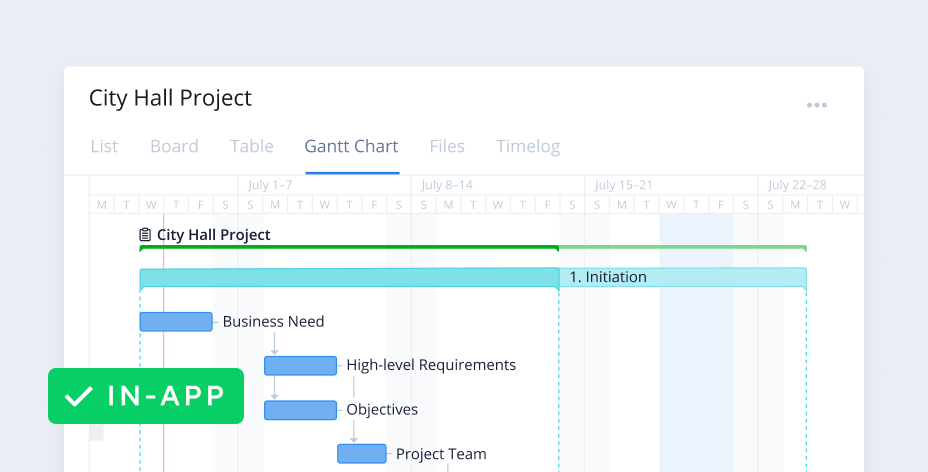
Choose Wrike project management for company‑wide workflows
Our project management software helps companies align on priorities and initiatives in one place.
Connect global teams in real time
Bring your entire organization together, share ideas, and produce your best work in a shared workspace for everyone. Tie your team’s project portfolio to bigger company-wide programs and goals.
Configure workflows for every department
Easily tailor Wrike’s project management software to suit your department’s individually configured workflows, while aligning with company-wide workflows and processes.
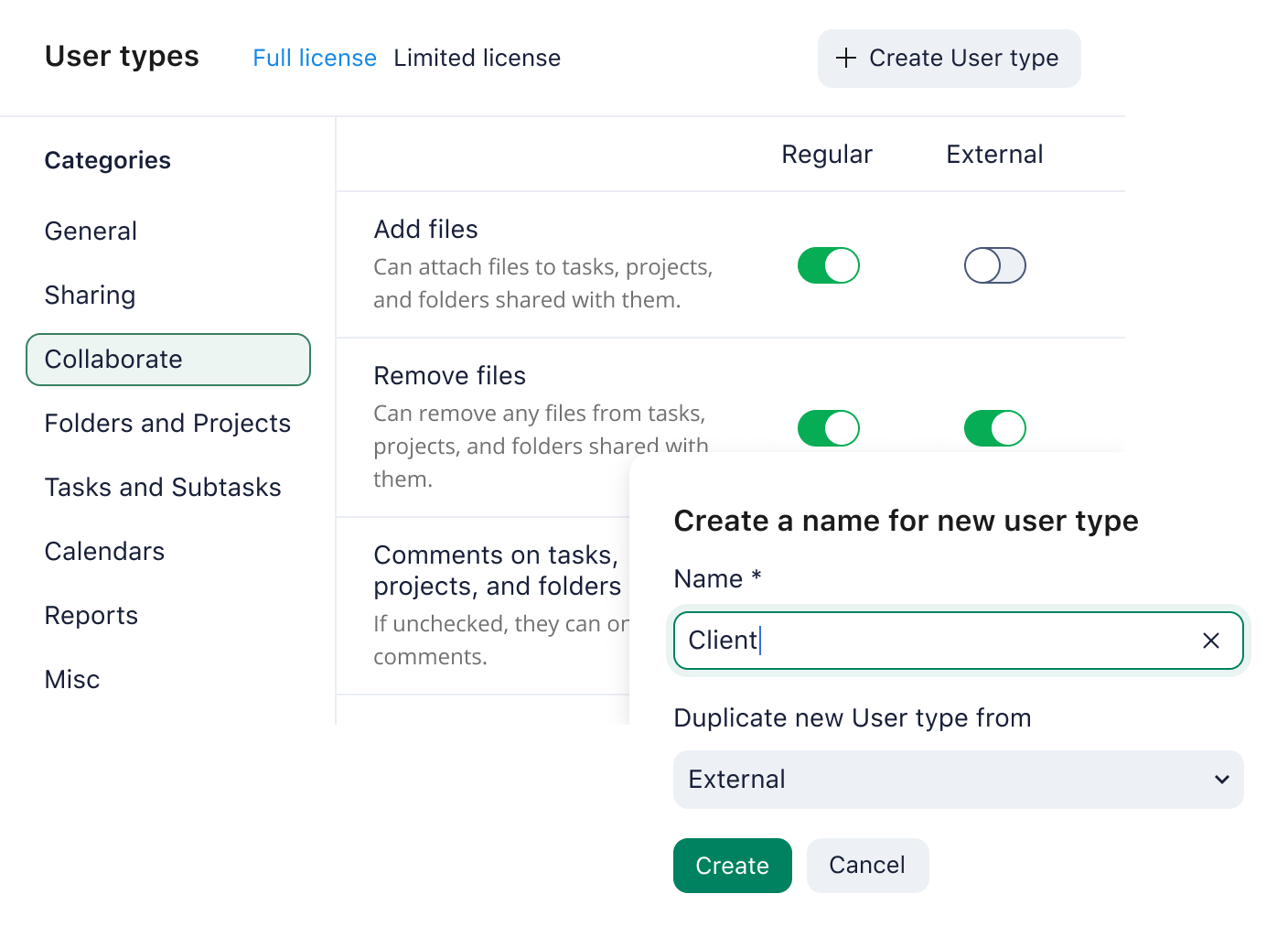
Secure, enterprise-grade collaboration
Work with confidence as your whole organization uses the most secure collaboration software on the market. Based on your company’s needs, add the necessary security measures and configurability for each team and user.
Connect global teams in real time
Bring your entire organization together, share ideas, and produce your best work in a shared workspace for everyone. Tie your team’s project portfolio to bigger company-wide programs and goals.
Configure workflows for every department
Easily tailor Wrike’s project management software to suit your department’s individually configured workflows, while aligning with company-wide workflows and processes.
Secure, enterprise-grade collaboration
Work with confidence as your whole organization uses the most secure collaboration software on the market. Based on your company’s needs, add the necessary security measures and configurability for each team and user.

Enterprise-grade security
Protect your personal and company data and ensure secure collaboration within our platform. We don’t just meet industry standards — we exceed them.

Easily scale as you grow
Whether you’re managing work across departments or onboarding new employees, Wrike makes it easy to add users, create spaces, and navigate through your daily work.

Endlessly configurable
Wrike is designed to be infinitely customizable to your team’s unique needs. Choose from a variety of views and design and manage workflows that suit your specific processes.





users in 20+ countries
improved productivity
“Wrike helps us collaborate in the best possible way, and it gives our teams the support they need to work better. We could roll out a tool on a global scale, and we were also able to offer a secure and an integrated tool.”

tasks issued in Wrike every day
tasks executed through Wrike
“The moment our teams saw Wrike, we heard a resounding ‘yes’ – it was the one system that met each and every one of our team’s comprehensive and complex requirements.“

“We use Wrike, not just for resource and project management, but we also use it for project telemetry and customer visibility of what we do and our actions, and everything is bubbling up to the most senior level.”
less time to deliver projects
reduction in emails
“I’ve never seen a platform as easy to use, as easy to onboard new users, as easy to scale, and as easy to customize to your own workflow, process, team, clientele, and changing environment.”

more efficient in processes and workflows
faster project completion
“I use Wrike for everything that we do now ... organizing projects, assigning different tasks, calendar views, and Gantt charts. We use it to map out all of our marketing campaigns. It’s all personalized to how we work.”