Wrike features enable work to flow for any workflow
Wrike’s award-winning, intelligent, and flexible features are unmatched at scaling work, results, and growth.




Struggling to visualize your project? Wrike has you covered with multiple project views, making visual collaboration a breeze. Toggle between Board, Table, Gantt, Calendar, Chart, and more!

Gain flexibility with Wrike’s Scrum boards. Prioritize backlogs and use Agile dashboards to monitor progress. Cut through the noise with real-time collaboration on shared Scrum boards.

Create a new booking to reserve time from a team member or job role. Estimate how many hours a project will take and quickly determine if your chosen resource has the bandwidth to complete it.

When creating a Wrike task, you can evaluate how much effort is required to complete it. This makes it easier to choose an assignee and forecast when your entire project will be delivered.
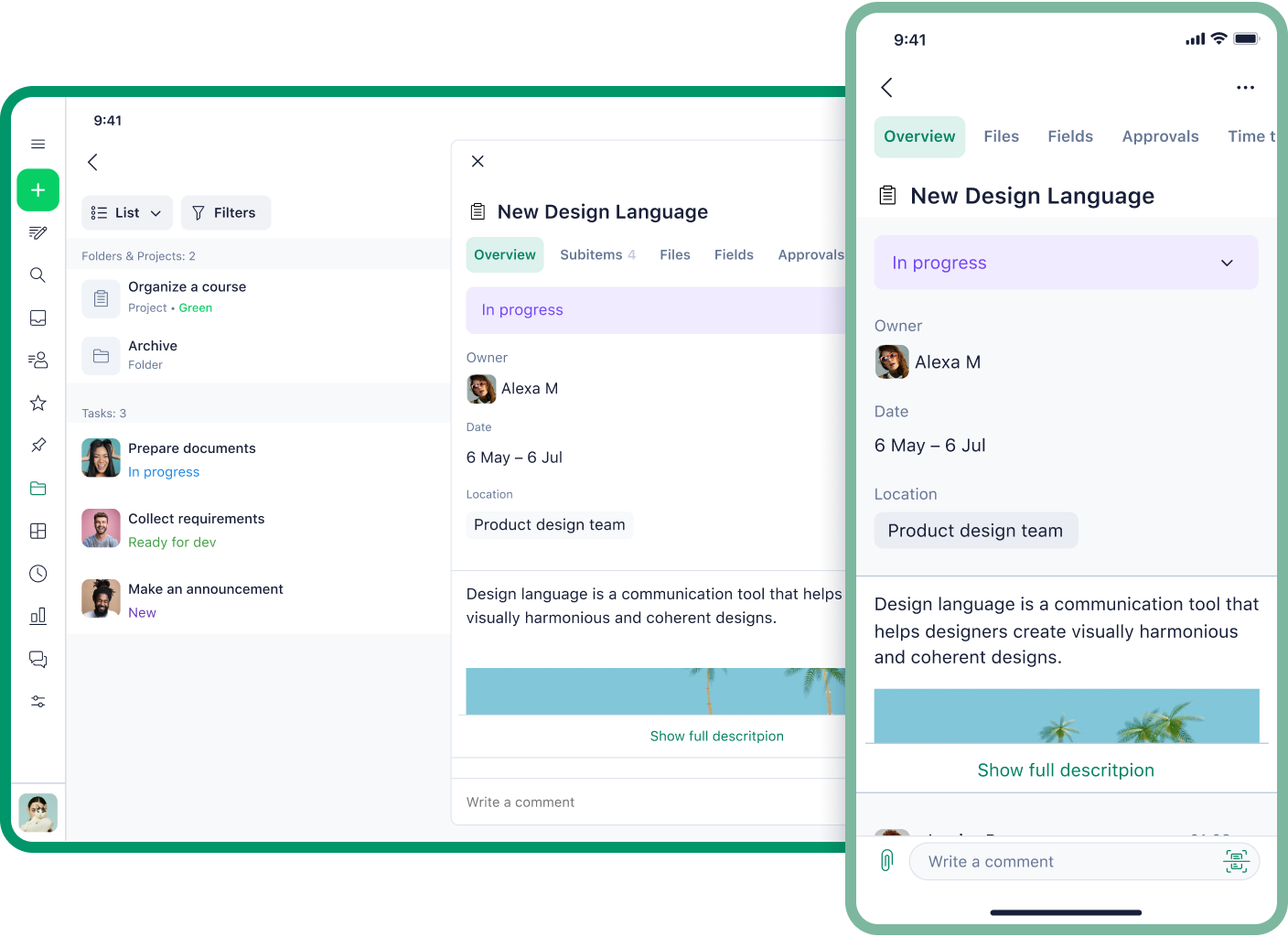
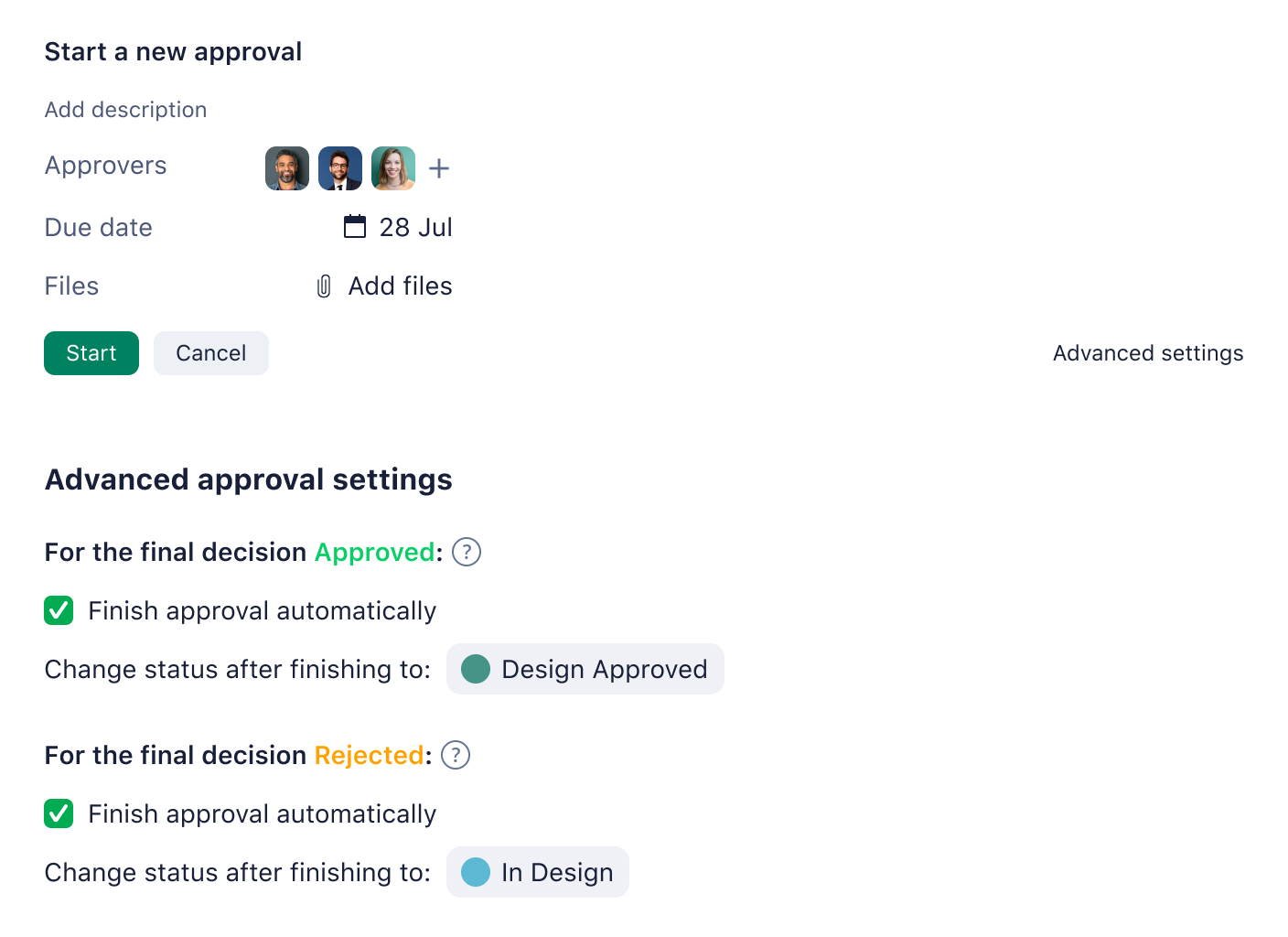


Streamline communication with requesters, even non-Wrike users. Use external request forms to work in one place instead of toggling between different applications.

Attach files to corresponding tasks, folders, and projects. Use our live document editor to edit attachments seamlessly — no need to download files. Your new version will be automatically uploaded.

Manage all of your team tasks from one space with Wrike’s versatile to-do list software. Create tasks and subtasks in seconds, and cross-tag them into folders to categorize your workload.


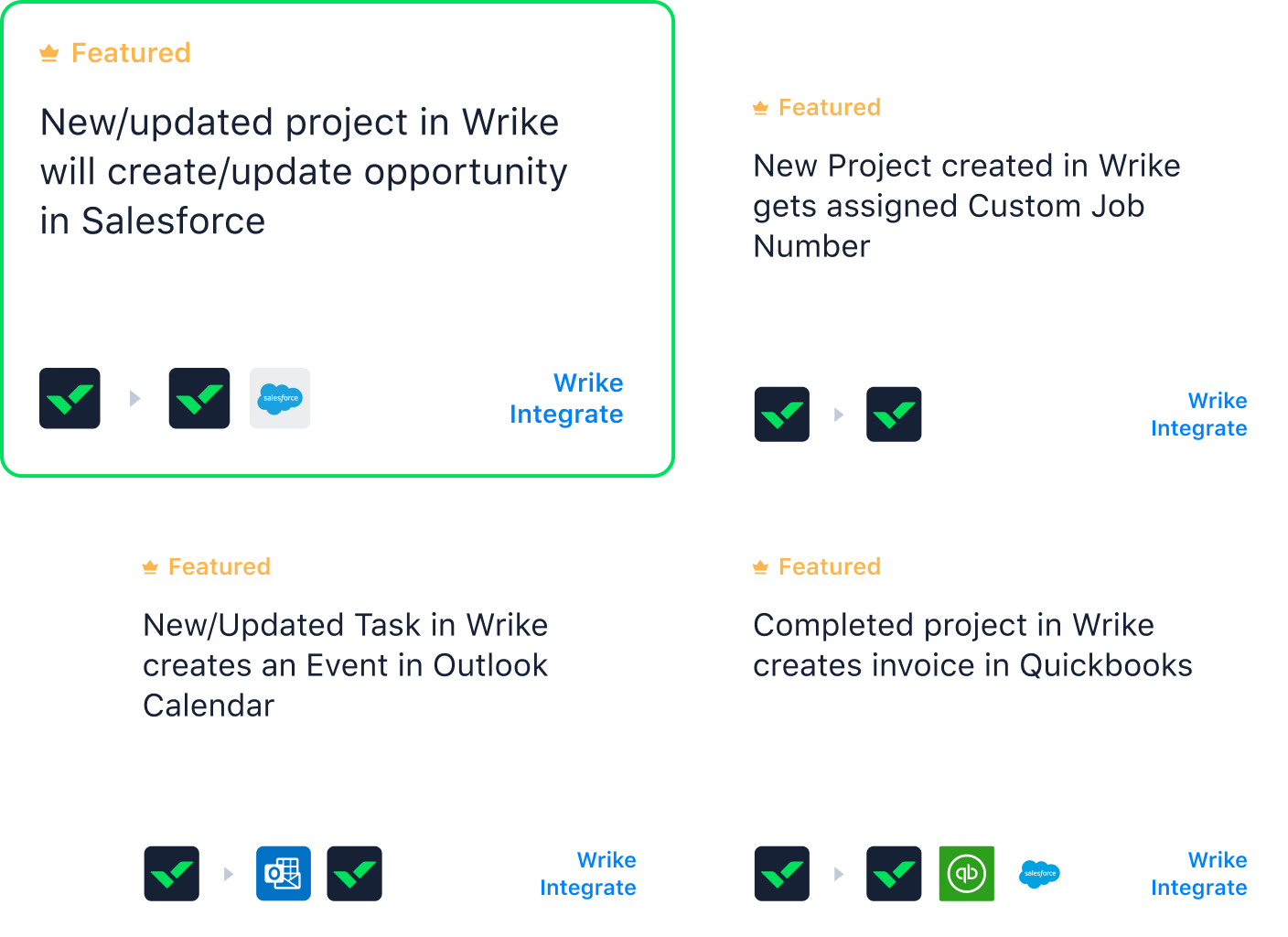


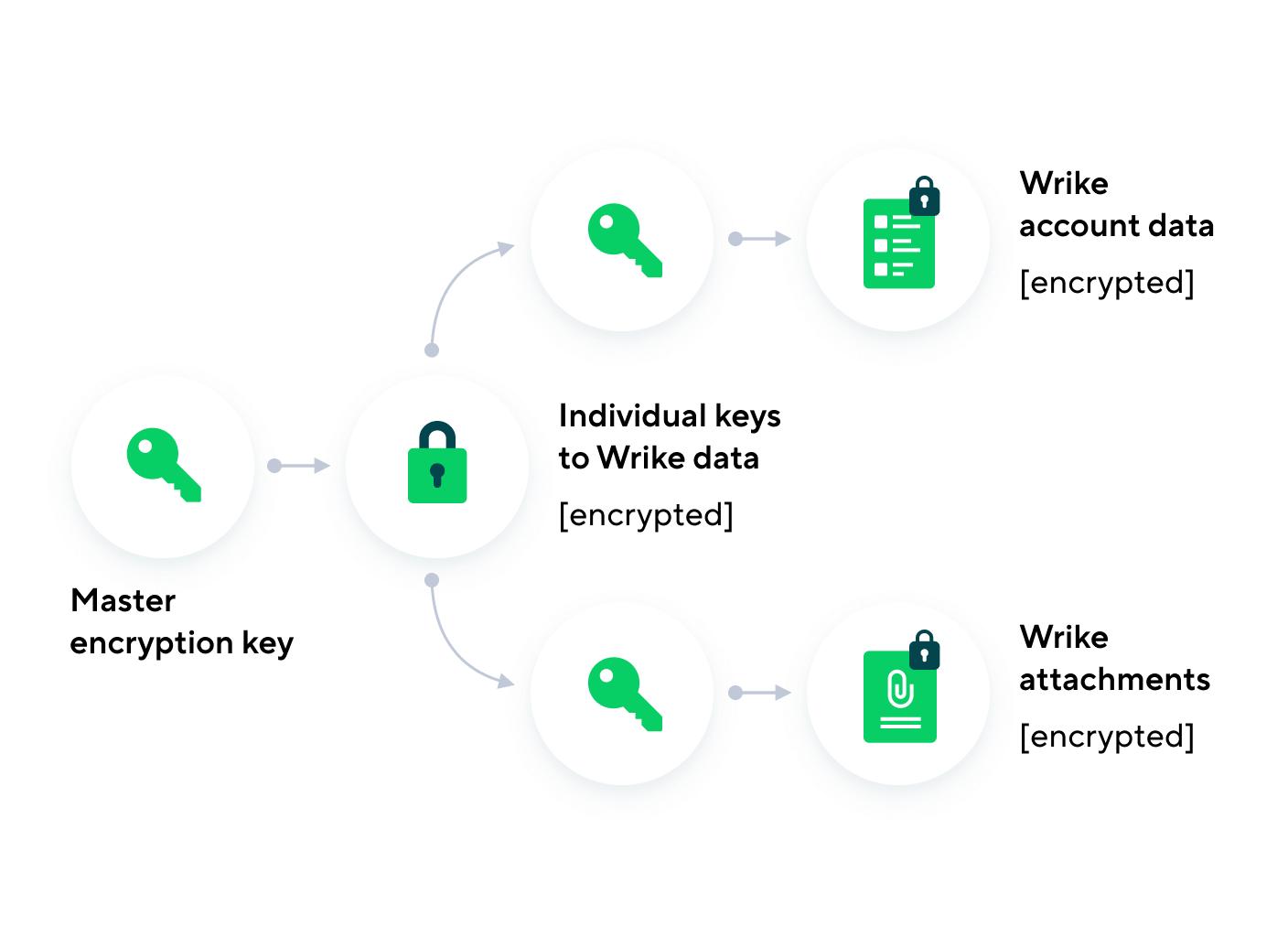

Access your work by signing into Wrike once with your corporate credentials, enabled by MS Azure, Google, Okta, OneLogin, and more.

Add selected members to user groups and subgroups to follow your organizational structure. Share folders and items with the groups that need access.

Check on-demand audit reports to track activity of each user in your account. Get clarification on who to ask for information when items are modified.

Enable multifactor authentication and control user permissions to safeguard your company’s most confidential data.
Cut costs and save time
Wrike removes silos, busywork, and app sprawl so your team can focus on what matters.
Consolidate tools and data to lower software spend and context switching
Automate updates, approvals, and handoffs to shorten delivery cycles
Align teams in real time with shared plans to cut rework and meeting overload
Number of team members
Average individual salary (annual)
$