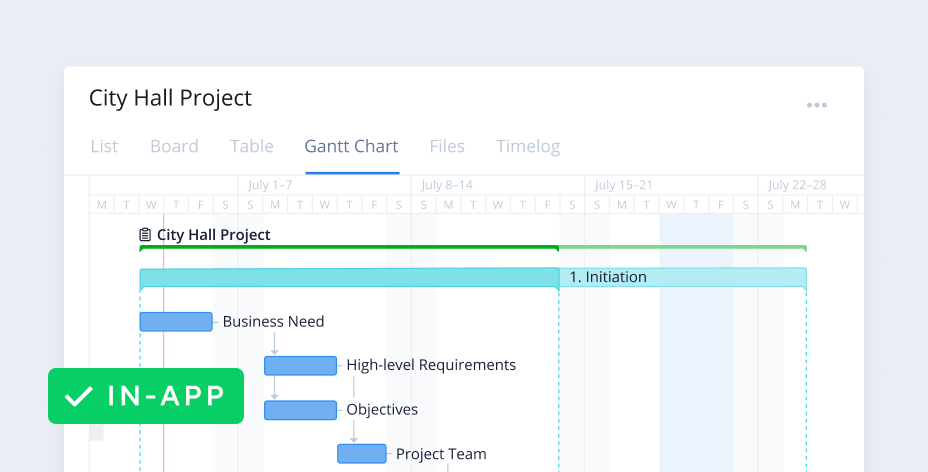
Cross-tagging in Wrike enables teams to view tasks in context of their unique projects, as well as wider company initiatives.
TRUSTED BY 20,000+ HAPPY CUSTOMERS WORLDWIDE
Cross-tag at every level
Categorize your company’s entire workload with Wrike. Use our cross-tagging feature across tasks, subtasks, folders, milestones, phases, and projects.
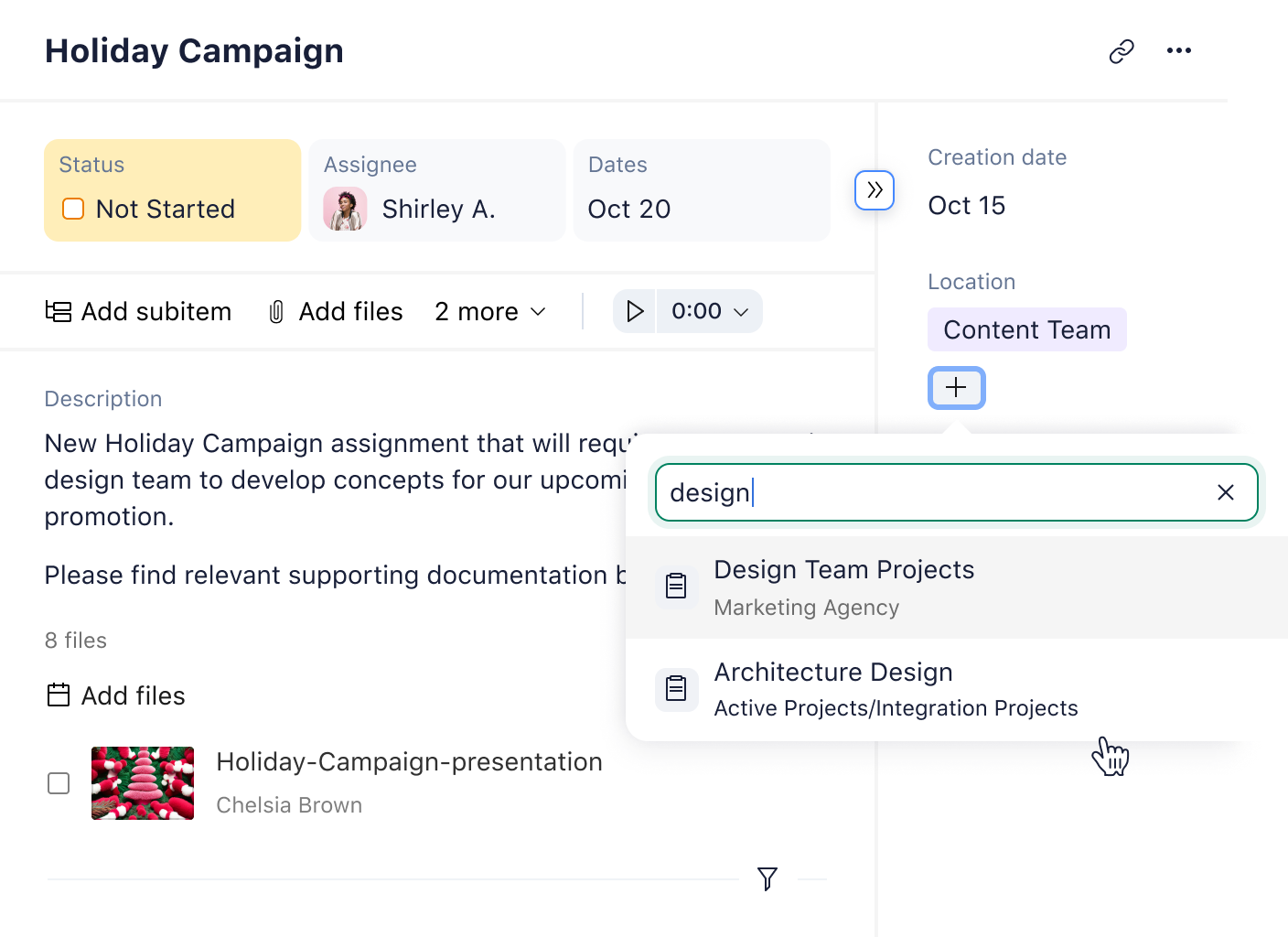
Tasks
Create tasks in multiple work streams without duplicating the task itself. This way, your task is easily accessible to multiple departments, but can be uniquely tracked for your team’s specific purposes.
Subtasks
Let’s say you are asked to approve an event budget. The overall task may be the event itself, but the budget subtask is the only one that’s relevant to you. Simply cross-tag that subtask into your folder and it will show up in your weekly report.
Folders
With Wrike, a single folder can live in multiple places. For example, a “Marketing Campaign” folder can be cross-tagged into your marketing team’s quarterly folder, as well as the lead generation team’s designated Space.
Milestones
Cross-tagging is also useful when it comes to tracking departmental milestones. For example, a milestone task can exist in a marketing department’s folder, but it can also be included in a report on PMO milestones.
Phases
Different teams track different project phases. A marketer follows a go-to-market plan, while a developer oversees app development stages. Luckily, cross-tagging means their shared tasks can reside in separate phases.
Projects
Gain valuable context on related projects with just one click. If your task is cross-tagged into two projects, for example, all you need to do is select those tags to open up the entire list of work under each specific label.
How cross-tagging benefits every company
Wrike’s cross-tagging feature can increase transparency and communication across teams, departments, and organizations.
Improved asset management
Manage multiple campaigns across various production stages with ease. Designers and marketers can access campaign assets within their respective workflows simply by cross-tagging their work.
Better team connectivity
When it comes to interdepartmental efforts, you need to receive critical updates from each team. Add agenda items to a shared list to discuss in daily standups or review separately.
Enhanced project visibility
Wrike users can tag a task in multiple places to ensure it is fully visible. For PMOs who want to view all components of a launch plan, cross-tagging saves time without sacrificing clarity.
Customer success stories
250%
increase in communication
16,600
hours saved over three years
50%
less time spent planning
“Being able to create custom tags at a micro level is really important because you can search for something and find it easily in Wrike.”
“Wrike kept everything organized and transparent, so it was always very easy to see the status … because of the tagging feature we were able to keep things moving very quickly.”
Start cross-tagging with these templates
Marketing
Marketing Campaign
Plan seamless campaigns with Wrike. Create separate folders for each client campaign, track performance with shared dashboards, and store assets in one place.
Project Management
Product Launch
Kick-start your product launch with this useful template. Build a dynamic timeline and align your teams on key activities to ensure a smooth release.
IT & Engineering
PMO
Gain unrivaled visibility into your project portfolio with Wrike. Capture vital budget information, identify potential risks, and keep stakeholders in the loop.
Agile
Complex Project With Phases
Use this template to break down large projects into five distinct stages. Monitor progress across each phase and adapt if necessary to guarantee a successful delivery.
Marketing
Marketing Campaign
Plan seamless campaigns with Wrike. Create separate folders for each client campaign, track performance with shared dashboards, and store assets in one place.
Project Management
Product Launch
Kick-start your product launch with this useful template. Build a dynamic timeline and align your teams on key activities to ensure a smooth release.
Other features for cross-functional teams
Take a tour of Wrike’s powerful project management platform and explore alternative features to help you manage tasks and enhance your organizational skills.
Feature
Gantt charts
View your entire project timeline at a glance with Gantt charts. Use our simple drag-and-drop interface to create dependencies, add milestones, and adjust deadlines.
Feature
Kanban boards
Empower Agile teams with shared Kanban boards. Organize tasks by due date and track their progress as they move through various stages.
Feature
Visual proofing
Streamline feedback with all-in-one proofing software. Add comments directly to assets, @mention team members, and keep a detailed record of file versions.
Cross-tagging is just one of Wrike’s many innovative features. Explore more with a two-week trial — no credit card required.
based on 13,000+ reviews from
Learn more about Wrike features
Explore features designed to boost productivity and simplify complexities with our intelligent search assistant.
Wrike enhances its website search experience using Google's Vertex AI Search and Conversation generative AI service. Users are cautioned that generative AI might produce inappropriate, inaccurate, offensive, or unintended results, and are advised against submitting explicit, harmful, offensive, or illegal content as search input. Neither Wrike nor Google uses your search inputs to train its machine learning models or for advertising purposes, but search activities may be collected and/or stored via cookies in accordance with our Privacy Policy if you previously registered on our website. These cookies can be deleted through your browser settings. Wrike's search service is not designed to be used in connection with your personal data or any sensitive data of any kind, which users must refrain from inputting.