

Why settle for Asana when you can have Wrike?

Why settle for Asana when you can have Wrike?


Better project organization
Hands down, Wrike’s platform makes project and task management easier than Asana. Projects are organized intuitively so you can see tasks, folders, owners, and assignees in seconds.


Enhanced BI reporting
Harness your data’s power with Wrike’s BI-level reporting, including dynamic dashboards, advanced analytics, and real-time insights.


Over 400 integrations
Wrike offers seamless integration with hundreds of your favorite apps including Slack, Zoom, Microsoft Office, and NetSuite. Plus, connect to thousands more in minutes with our easy-to-use API.


Cross-functional collaboration
Modern work requires smooth, stress-free collaboration tools. Asana’s tasks and projects can only have one assignee, but Wrike’s can be shared cross-functionally across the entire organization, from small teams to large departments.


Trusted customer support
Tired of waiting for Asana’s slow support to help solve issues? Wrike has won industry awards and recognition for its training programs. Plus, we offer 24/7, multilingual support options.


Intuitive AI
Wrike has pioneered AI in work management for more than a decade, far longer than competitors like Asana. Our exceptionally intuitive machine learning can generate content, complete tasks, scan for risks, and accelerate workflows.


Gantt chart project planning
Customers love Wrike’s Gantt charts, which offer more than just pretty colors. They’re filled with valuable features like dependencies, critical path highlights, and multiple milestones that can help you visualize due dates and execute even the most complex projects.
Plus, they’re built-in — no integrations or add-ons required.
Automated request forms
Wrike’s request forms are simply more powerful than Asana’s. While Asana’s request forms can only create a task, Wrike's can generate preplanned projects and automated workflows, bringing versatile automation to your work intake and task management processes.
Project risk prediction
Need a tool that’ll help you spot problems in advance? Asana doesn’t have one. Wrike’s predictive project management tool analyzes data including start and end dates, employee workloads, and even the outcomes of similar actions in the past.
Unrivaled proofing functions
We’ve got Asana beat on proofing, too. In Wrike you can review assets, comment on tasks, and approve over 30 different file types directly, while Asana only offers five. Plus, Wrike integrates seamlessly with Adobe CC, connecting you to a wide range of creative tools.

Industry-leading data tools
Turn data into diamonds with Datahub. This one-of-a-kind feature connects external data sources with Wrike’s powerful platform, creating a dynamic source of truth that facilitates unprecedented visibility, revenue-boosting acceleration, and better, faster decision making.
Gantt chart project planning
Customers love Wrike’s Gantt charts, which offer more than just pretty colors. They’re filled with valuable features like dependencies, critical path highlights, and multiple milestones that can help you visualize due dates and execute even the most complex projects.
Plus, they’re built-in — no integrations or add-ons required.
Automated request forms
Wrike’s request forms are simply more powerful than Asana’s. While Asana’s request forms can only create a task, Wrike's can generate preplanned projects and automated workflows, bringing versatile automation to your work intake and task management processes.
Project risk prediction
Need a tool that’ll help you spot problems in advance? Asana doesn’t have one. Wrike’s predictive project management tool analyzes data including start and end dates, employee workloads, and even the outcomes of similar actions in the past.
Unrivaled proofing functions
We’ve got Asana beat on proofing, too. In Wrike you can review assets, comment on tasks, and approve over 30 different file types directly, while Asana only offers five. Plus, Wrike integrates seamlessly with Adobe CC, connecting you to a wide range of creative tools.
Industry-leading data tools
Turn data into diamonds with Datahub. This one-of-a-kind feature connects external data sources with Wrike’s powerful platform, creating a dynamic source of truth that facilitates unprecedented visibility, revenue-boosting acceleration, and better, faster decision making.

CUSTOMER REVIEWS
Wrike vs. Asana
Customer reviews tell the real story: Wrike is easy to use and even easier to scale, streamlining the most complex workflows.
Don’t settle for stopgap software. Choose Wrike, the powerful, feature-packed platform with support you can rely on.





less time to deliver projects
reduction in emails
“I’ve never seen a platform as easy to use, as easy to onboard new users, as easy to scale, and as easy to customize to your own workflow, process, team, clientele, and changing environment.”

users in 20+ countries
improved productivity
“Wrike helps us collaborate in the best possible way, and it gives our teams the support they need to work better. We could roll out a tool on a global scale, and we were also able to offer a secure and an integrated tool.”

“Wrike makes our work and day-to-day life much easier. Our design team alone have been able to increase their productivity to a level that would have been impossible prior to streamlining our workflow.”

“Having that visibility within Wrike of the entire pipeline in one place, with real-time data that’s consistently there, is one of the biggest benefits and something we’ve never had before.”

“With the implementation of Wrike, we’ve been able to bring on more projects with the same amount of people because we’ve been able to be more efficient.”

Wrike vs. Asana for marketing teams
While many tools can track a task, only a platform built for deep operational complexity can turn a messy intake process into a synchronized masterpiece. Wrike might be a stronger fit for marketing ops when you need structured intake, reliable handoffs, and shared ownership across functions.
Wrike request forms can be used for internal or external intake and can create a task, project, or blueprint from the submission, helping standardize briefs and routing. Asana also supports forms, but tasks still require only a single assignee (with optional “collaborators”), This approach often leads to duplicated tasks and a higher number of granular sub-tasks, which can make shared execution across content, design, and analytics feel more fragmented and cluttered while increasing administrative time.

Wrike vs. Asana for small teams
A low barrier to entry is helpful, but a high ceiling for complexity is often more sustainable. As both Wrike and Asana are very easy to use, choosing between these platforms may come down to weighing immediate adoption against long-term scalability.
Asana might be the better pick when simplicity and fast adoption matter most, but Wrike excels when a small team needs more structure, repeatable intake, and tighter review workflows as complexity grows. Both platforms support forms and approvals, but the deeper operational tooling is where Wrike is more scalable for process-heavy teams.

Wrike vs. Asana for creative teams
Great design is often held hostage by a clunky review process. If your feedback loop involves hunting through email threads or squinting at low-res exports, your tools are actively slowing down your output.
Both platforms support creative collaboration, but Wrike is more purpose-built for proofing at scale. Asana proofing supports PDF and common image formats, while Wrike proofing supports images, videos, PDFs, and Microsoft Office files, plus side-by-side comparison mode for version review. Both integrate with Adobe Creative Cloud, but Wrike’s extension supports Photoshop, Illustrator, InDesign, and the Adobe Creative Cloud, which is useful for teams handling heavier creative workflows.

Wrike vs. Asana for IT teams
Accountability is difficult to maintain when work is siloed by a single assignee. Successful IT delivery depends on whether your software supports shared ownership or forces you to work around it. Wrike may be best for IT teams that need structured intake, repeatable workflows, and clear delivery across service requests and projects.
Request forms can capture the right details up front and route work consistently, and Workload views help plan capacity across parallel initiatives. Wrike also supports shared execution with multiple assignees and built-in approvals to keep sign-offs tied to the work.
Asana can handle IT intake with Forms and Rules, but the single-assignee model can make cross-functional handoffs and shared ownership harder to manage at scale.
Wrike vs. Asana for product management teams
Why should a product manager spend hours reconciling updates across design and go-to-market teams? Efficiency comes from a centralized intake process that keeps every department aligned on a single source of truth.
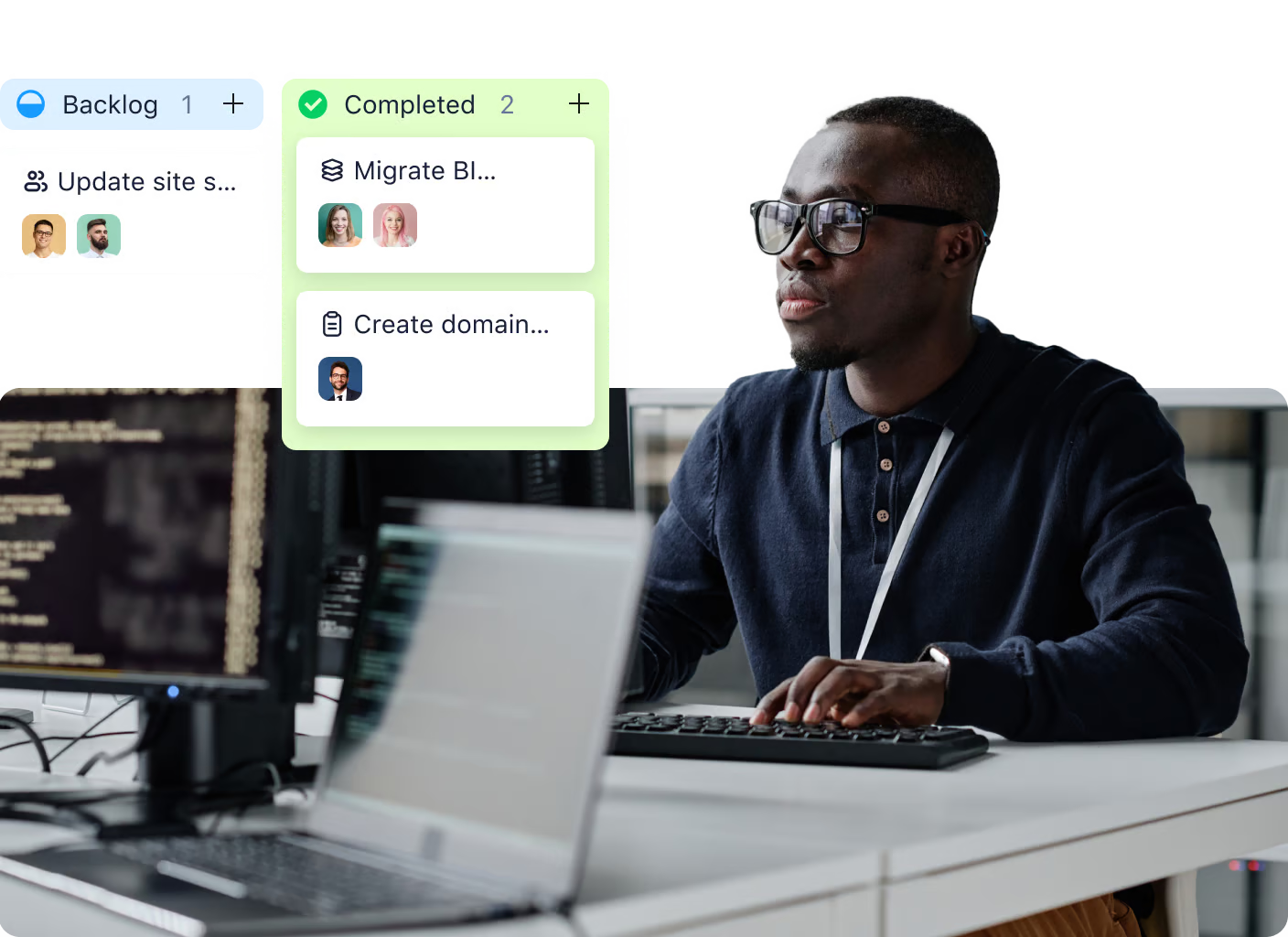
Wrike can work well for product teams that need structured intake, backlog, and sprint workflows, and shared execution across engineering, design, and go-to-market, including support for multiple assignees when work is genuinely co-owned.
Wrike vs. Asana for professional services teams
Professional services teams usually need shared ownership on client delivery, repeatable workflows across many engagements, and portfolio-level visibility that doesn’t turn into a messy sprawl.
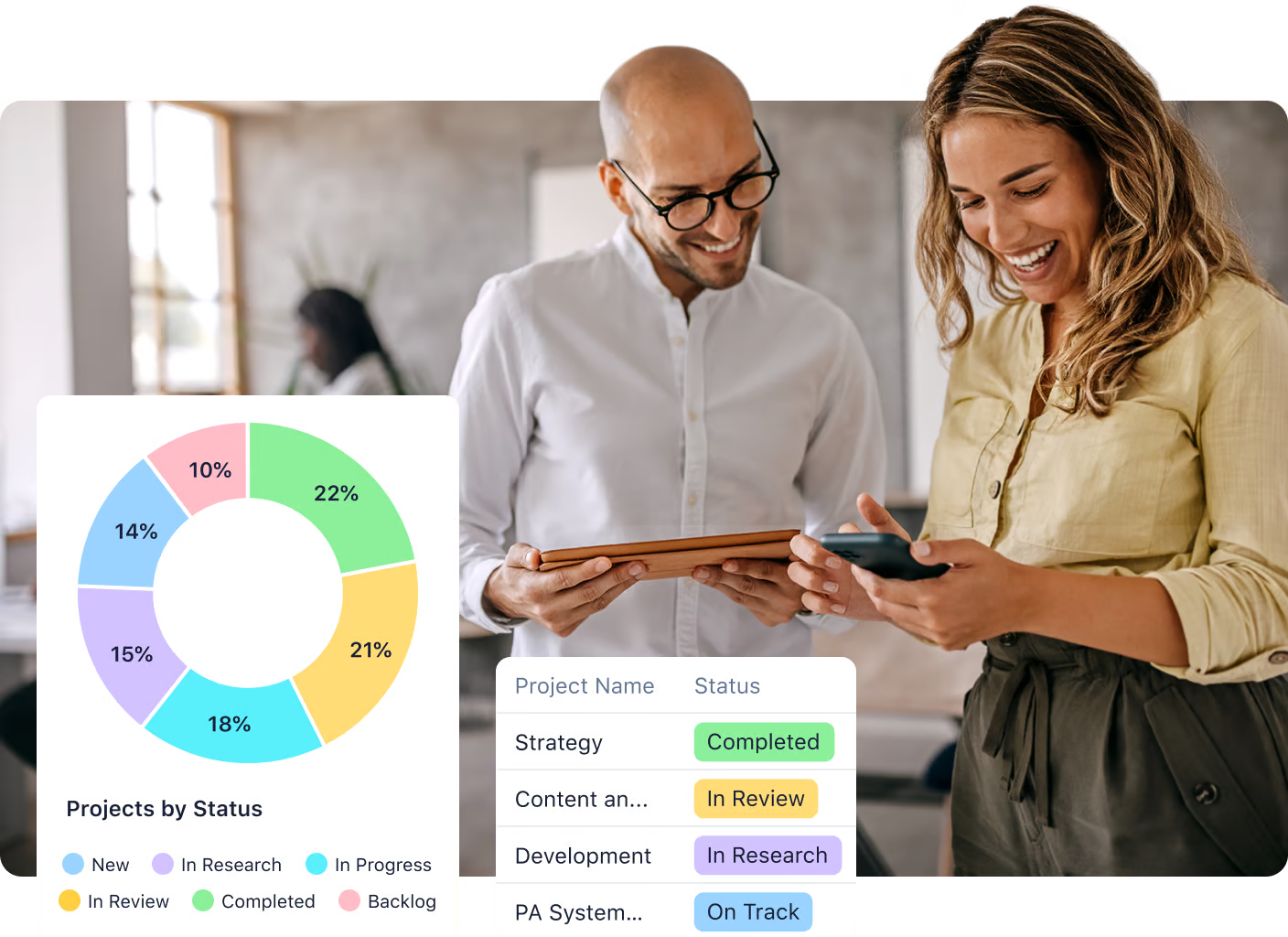
Wrike supports multiple assignees per task, which works well for genuinely collaborative work. It’s also built for more complex, cross-project automation and request-driven workflows, which help standardize intake and delivery across accounts.
If your team needs implementation support, Wrike offers dedicated services and customer success options designed for structured rollouts, while Asana tends to be simpler to adopt but can feel more limited when you need deep workflow controls and consistent governance across a large book of business.

Entry-level plans:
Mid-tier plans:
What costs extra:
Enterprise plans:
Bottom line:
Wrike offers better value at every tier. For teams needing advanced project management features, Wrike's pricing is more competitive, especially when you factor in the capabilities included at lower price points.



The Total Economic Impact™ of Wrike
We commissioned a Total Economic Impact™ study, conducted by Forrester Consulting, to find out how a composite organization achieved return on investment with our collaborative work management platform. The results were significant.
return on investment (ROI)
net present value (NPV)
reduction in low-value initiatives

Real customer support when you need it
Help is always at hand with Wrike. Depending on your package, our dedicated team is available up to 24/7 to support you via live chat, email, and telephone in seven languages. We’re here to help you get the most out of your Wrike experience.


Yes. Wrike supports GDPR compliance through measures such as a Data Processing Addendum, Standard Contractual Clauses, and security controls to help customers meet data protection requirements. Actual compliance still depends on how your organization configures access, retention, and data handling inside Wrike.
For teams comparing Asana to Wrike, the former’s most common limitations are workflow depth and shared ownership. Asana tasks have a single assignee, which can make cross-functional execution harder to manage, and more advanced workflows often require workarounds as complexity grows. Wrike also has deeper support for specific workflows, such as Marketing work or Professional Services Automation vs. Asana’s more general work management approach.
Wrike is best for teams running structured, cross-functional workflows where intake, execution, reviews, and reporting all need to stay connected. It is especially well-suited to marketing operations, IT workflows, product delivery, and agency-style work where visibility and process consistency matter.
Yes. Wrike includes Kanban boards with customizable workflows and statuses, along with automation to help teams manage their flow. Kanban views can be used across projects and ongoing workstreams to keep execution visible and organized.
Wrike offers a free plan with no expiration for basic task and project management. Teams typically upgrade when they need more advanced capabilities such as Gantt charts, time tracking, workflow customization, or stronger reporting.
They overlap on core project management basics such as tasks, projects, and common views. The difference is that Wrike is built for deeper workflow control, including stronger customization, resource planning, and multi-assignee tasks. At the same time, Asana is designed to stay simpler and easier to adopt.
