Make approvals seamless with Wrike. Use our approval workflow software to accelerate sign-off and drive efficiency.
TRUSTED BY 20,000+ HAPPY CUSTOMERS WORLDWIDE
Faster, more effective approvals
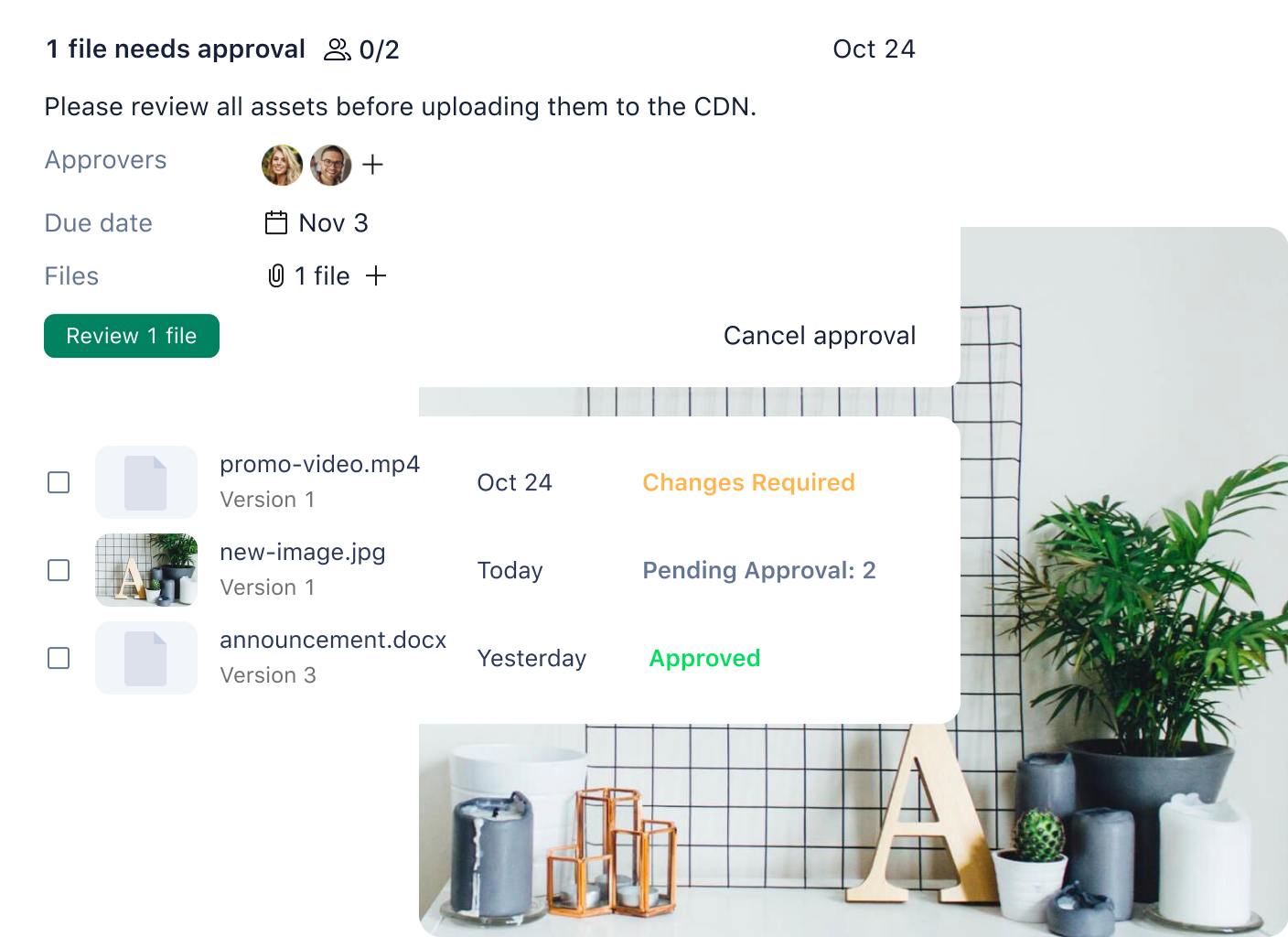
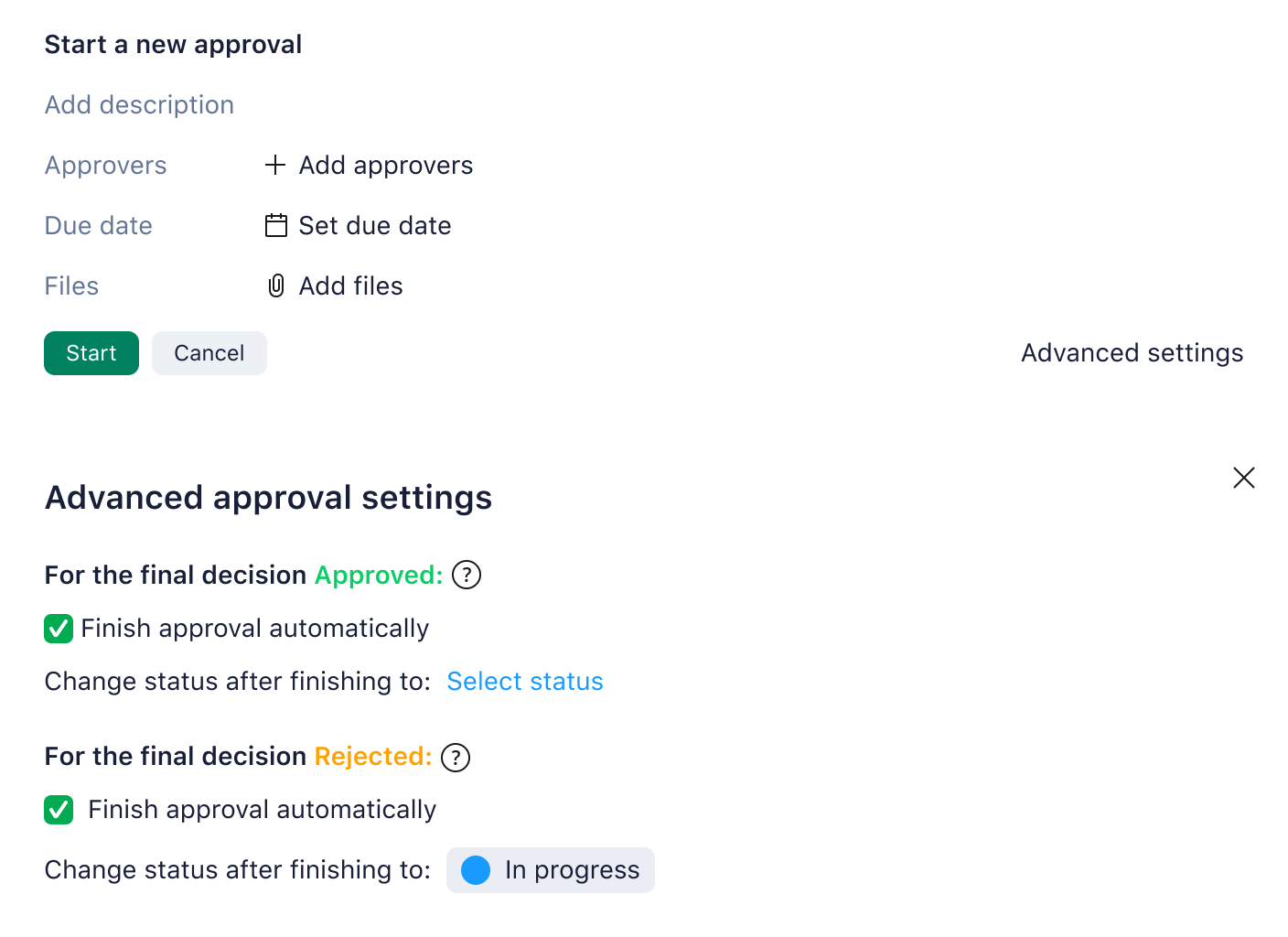
Wrike’s robust approval software helps you keep track of documents, see who is responsible, address pending approvals before they delay a project, and gain full visibility on approval decisions. Here’s what you can do with Wrike’s easy-to-use document approval software:
Streamline approval requests
Automatically share in-context information with chosen approvers, and use forms to simplify the sign-off request process.
Easily see pending approvals
Build a specific widget for outstanding approvals so you can see exactly what needs attention, right from your dashboard.
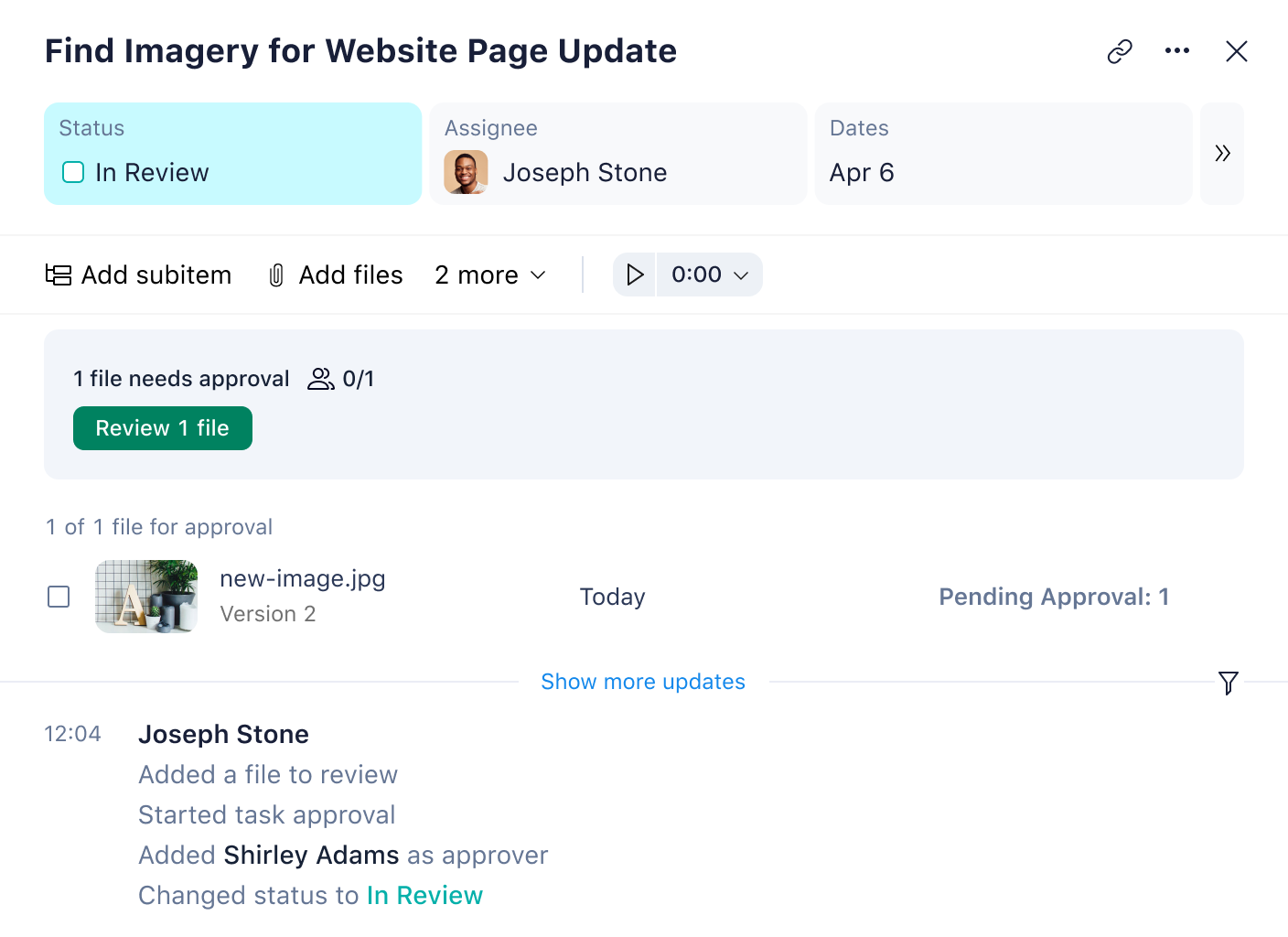
Add approvals to workflows
Accelerate common tasks that always require approval – the approval management software will notify those who are needed to make an approval.
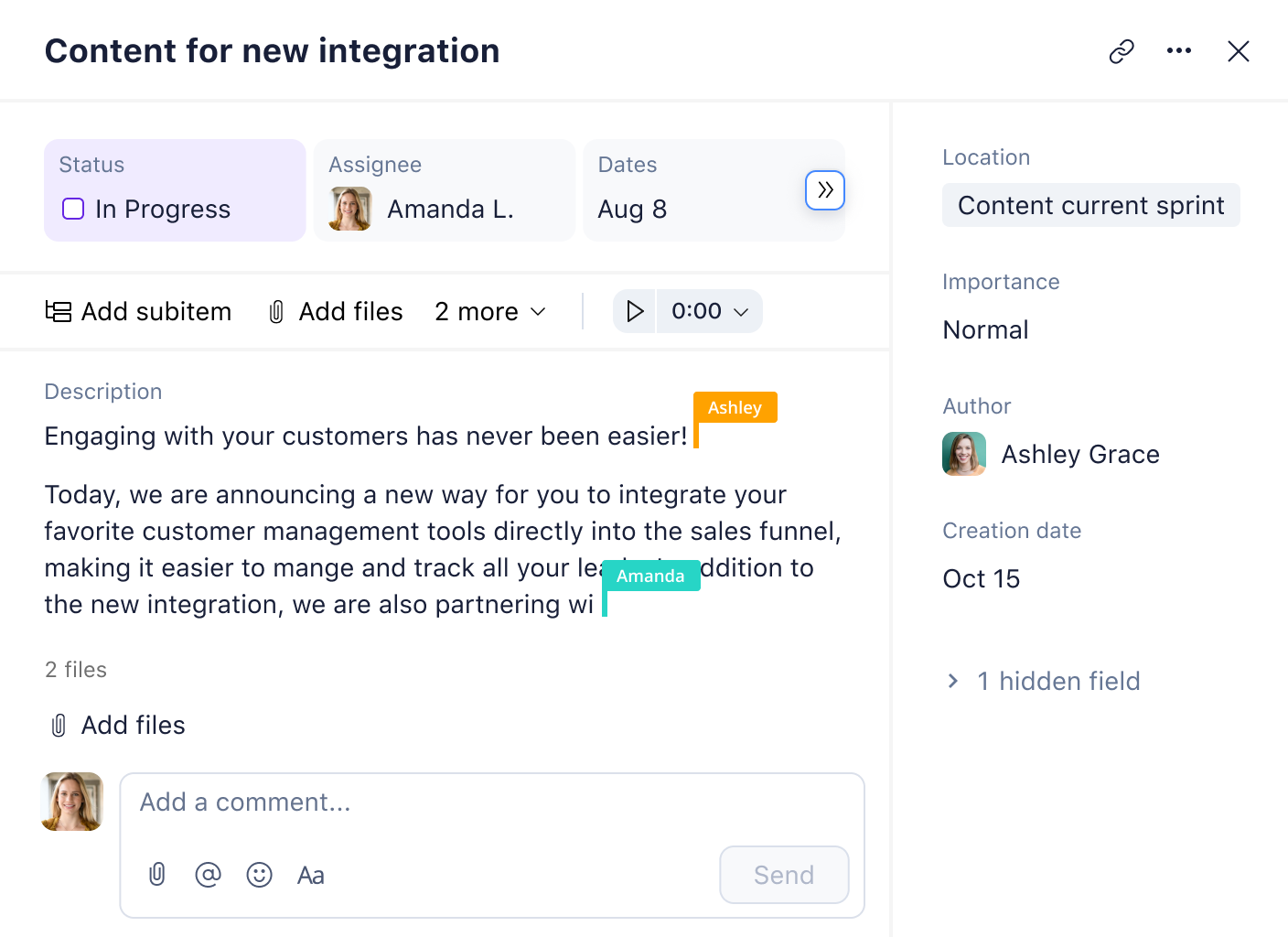
Get 360° visibility on approvals
Wrike’s approval software saves time waiting for approvals. The software’s custom request forms collect all the necessary details to allow quicker and more efficient sign-offs. With our advanced creative approval software, the right people will be tagged at the right time.
“We have found that client adoption has been fantastic. It used to take days to get client approval. Now we can send something out and, within an afternoon, we’ll get a turnaround approval.“

Eric Pilhofer, Senior Vice President of Creative, Marketing Architects
“We’re all working together instead of alone waiting for emails. With the compliance team using Wrike, I can see when projects are in the final step of approvals. I don’t need to bother anyone for updates.”
Denise Ramsey, VP of Marketing & Training, Moneytree
Discover Wrike’s other powerful features
With Wrike’s robust approval software, you and your team can streamline your processes. Empower your team with our seamless approval workflow software and benefit from more of our powerful features. You’ll get the results you want without the hassle.
feature
Improve your proofing
Share in-context feedback and get assets approved in record time using Wrike’s online proofing.
remote work guide
Collaborate from anywhere
Help your teams to do their best work and collaborate, even when they’re working remotely.
ebook
Automate your workflows
The world’s leading companies utilize automation to do more – learn how they do it.
feature
Focus on billable hours
Help your team maximize their time and accelerate your invoicing with easy-to-use time tracking.
team solution
Uplevel your creative teams
Help your teams maximize their potential and eliminate chaos with Wrike’s creative approval software.
add-on
Streamline your reporting
Build reports in seconds and schedule regular detailed insights straight to your inbox.
Watch Wrike’s approval software shine in real workflows
An approval process is the way in which an organization or team approves anything from documents, budgets, files, PTO, external reports, vendors, to software access.
Wrike’s approval workflow software comes with a dedicated help section that will talk you through it, step by step. Generally, you click ‘Add Approval’ within a task, add all the necessary details, and approvers will be notified automatically.
Project approval requirements relate to what determines project success, who will decide the project is successful, and who signs off on the project. They can also be known as project charters.
Wrike’s approval software includes custom request forms, tailored workflows, and designated spaces — everything you need to take your approvals from start to finish.
Learn more about Wrike features
Explore features designed to boost productivity and simplify complexities with our intelligent search assistant.
Wrike enhances its website search experience using Google's Vertex AI Search and Conversation generative AI service. Users are cautioned that generative AI might produce inappropriate, inaccurate, offensive, or unintended results, and are advised against submitting explicit, harmful, offensive, or illegal content as search input. Neither Wrike nor Google uses your search inputs to train its machine learning models or for advertising purposes, but search activities may be collected and/or stored via cookies in accordance with our Privacy Policy if you previously registered on our website. These cookies can be deleted through your browser settings. Wrike's search service is not designed to be used in connection with your personal data or any sensitive data of any kind, which users must refrain from inputting.