



- Free workflow software helps teams build and track repeatable processes at no cost. Free tools are a good fit for individuals, small teams, and startups running simple processes.
- Good free workflow software offers enough user seats, flexible views (Kanban, list, table, calendar), task assignments with due dates, and a clear path to paid upgrades.
- Most free plans cap users, projects, and integrations, limiting team collaboration and forcing you to archive old work to make room for new projects.
- Paid plans unlock unlimited users, advanced automation, custom workflows, approvals, dashboards, time tracking, and deeper integrations.
A search for free workflow software throws up everything from apps for making workflow diagrams to project management platforms with free trials. This gives you an overwhelming number of different ways to start building a digital workflow without paying up front.
But it’s not always clear which software is truly free and which will only give you the functionality you need if you commit to a monthly or annual plan. And when it comes to something as central to your business processes as your workflow software, you want to know exactly what you’re getting.
In this post, I’ll walk through the best free workflow software options available today, including:
- Wrike: Best for cross-functional teams that want advanced project and task management features
- Trello: Best for small teams that need a simple Kanban board
- Jira: Best for software teams using Agile or Scrum
- KanbanFlow: Best for teams focused on WIP limits and productivity tracking
- Miro: Best for visual collaboration, brainstorming, and workshop-style workflows
- Ziflow: Best for creative teams managing reviews and approvals
- Asana: Best for teams looking for basic project management and time tracking
- Teamwork.com: Best for professional services teams and agencies tracking billable work
- monday.com: Best for teams that want a highly visual, customizable workspace
For each one, I’ll cover what’s included in the free plan, what you can access with a paid plan, and which type of team it suits best.
Essential features of free workflow software
There are many reasons to use workflow software for your repeatable processes.
Some teams need a central space to visualize their processes and ensure they’re following the same steps. Others need to monitor their progress to help team members plan their work and keep their clients up to date.
Some need a workflow diagram to illustrate their project plan. And others know that powerful workflow software can reveal the weaknesses in their processes and the opportunities to improve them.
Whatever your motivation for searching for workflow software, there are must-have features to look for.
Regardless of the price tag, workflow software should have the following:
- The right number of users for your team: Workflow management software should help you view and follow the same fixed process as your colleagues. This means you need as many seats as there are people on your team. Unfortunately, free tools often limit the number of users you can add. This means not everyone can view or modify the workflow, restricting your ability to collaborate.
- Additional customization and automation tools: The best workflow software lets you build your process from the ground up so you can tailor your system to your team. It also helps you work more efficiently and productively by automating some manual steps in your process. Workflow automation and customization might be available to test out on a free trial, but you’ll likely have to pay for them after that.
- Workflow tracking features: As you move tasks through your workflow in a software tool, it should gather data to report on the time it took, the people who were involved, and the number of revisions you had to make. When you can view this data, you can identify bottlenecks and common issues and plan ways to avoid them on your next project. You’ll rarely get this level of reporting and risk management with a free tool, which leaves you with less of the concrete data you need to inform your management decisions.
Ideally, your workflow software should boost productivity, help your team share ideas, and give you the complete overview you need to preempt any issues with your project work.
Because free software often lacks the features you need to achieve these goals, I tend to recommend it for small teams, people running small businesses, or people who need a quick, temporary solution — like for a one-off project. But if your business is larger, you have overlapping workflows, or you have a complex process where the quality of the results really matters, free software is rarely the best solution.
Now, let’s look in detail at what you can expect from the workflow software tools that fit a modest budget, as well as the affordable upgrades you can take advantage of on a paid plan.
The 9 best free workflow software options
Below, I’ve compiled a list of the best free workflow software options. These tools offer a genuinely free plan (not just a time-limited trial), core workflow features like task assignments and due dates, and give you a clear path to upgrade when your team outgrows what the free plan can do.
1. Wrike: Workflow software for cross-functional teams with unlimited users and advanced project and task management features
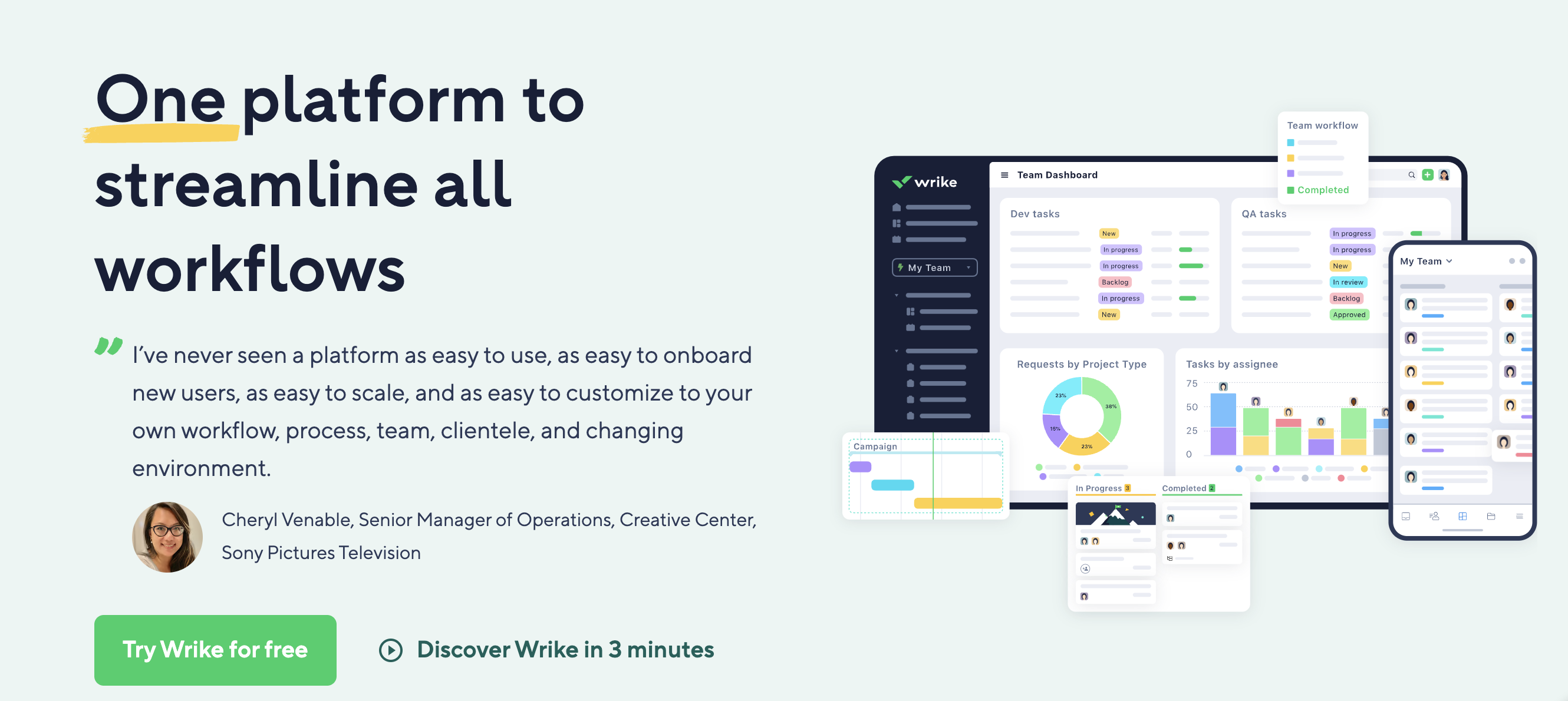

Wrike is a work management platform with all the features you need to build, share, and track your workflows. Over 20,000 companies use Wrike as their go-to workflow management software, including Walmart Canada, Sony Pictures Television, and Siemens Smart Infrastructure.
Wrike’s free plan includes a default workflow, intelligent project and task management, multiple work views, and the ability to sync between desktop and mobile apps. We also offer a range of pricing plans to fit your budget, which I’ll discuss in detail later.
Free Wrike features:
- Task and subtask management to break down your projects into actionable steps, populate your workflow, clarify responsibilities, and effortlessly delegate to your team
- Use case project templates to simplify your complex processes and make it easier to kick off your workflow
- Custom work views so you can display your workflow as a table or a Kanban board, which shows your workflow status in real time and at a glance
- Email integration and notifications to keep your team up to date with the latest movements in the workflow
- Enterprise-grade security to protect your sensitive data

Paid Wrike features:
- Custom item types and multi-stage workflows for client work, reviews, and approvals
- Gantt charts, dashboards, and synced team calendar views
- Custom request forms with when/then automation rules to launch workflows automatically
- Cross-tagging to share the same task across multiple dashboards without duplication
- Real-time custom reporting and the Wrike Integrate add-on for deeper integrations
- Wrike Copilot to triage, route, classify, validate, and update work at enterprise scale with Wrike AI.
- An MCP Server to connect Wrike to your AI assistant and ramp up productivity

“What I like most about Wrike is how it centralizes all our workflows in one place. Features like custom request forms, automation rules, and dashboards have significantly improved how we manage creative requests across multiple brands. It reduces manual work, increases visibility, and keeps everyone aligned in real time.”
— Paula B., Growth Brands Design Leader, Food and Beverages. Originally posted on Capterra.
Wrike pricing:
- Free plan: For unlimited users
- Team plan: $10 per user per month
- Business plan: $25 per user per month
- Pinnacle and Apex plans: Custom pricing available
2. Trello: Kanban tool for small teams
Trello is one of the best-known workflow software options based on Kanban methodology.
This software makes it easy to build a framework that suits the stages of your workflow. You can enhance your task cards with assignees and color coding, and accommodate larger projects or teams by creating different boards for different use cases.
Trello is highly visual and relatively easy to use, and you can add a lot of information to each card you create in notes or checklists. The comments and discussions you have on the task are saved for as long as you keep the card on your board. For a modest number of tasks, it gives you a fair overview and a good idea of where bottlenecks are developing in your process.
Free Trello features:
- Unlimited cards and up to 10 boards per workspace
- Unlimited storage (max 10MB per file in attachments)
- Custom background and stickers to brand your workspace or clarify which board belongs to which project
- Assignee and due dates to clarify expectations in the workflow
- iOS and Android apps to update and view the workflow on the go
Paid Trello features:
- Unlimited boards from the Standard plan up
- More view options, including calendar, timeline, table, dashboard, and map
- AI in the form of Atlassian Intelligence
- Workspace-level template
Trello pricing:
- Free plan: For up to 10 collaborators per workspace
- Standard plan: $5/user/month billed annually or $6/user/month billed monthly
- Premium plan: $10/user/month billed annually or $12.50/user/month billed monthly
- Enterprise plan: $17.50/user/month billed annually for 50 users
3. Jira: Workflow software for Agile and Scrum teams
Jira is known as a workflow tool for software development. It’s well-suited to teams that use Agile or Scrum techniques to manage their projects because it includes a backlog box and focuses on the “Resolutions” at the end of a workflow, where teams can make notes about how a project was closed, and whether it was canceled, resolved, or escalated.
Jira’s free plan will let you build and track a basic workflow and start experimenting with automations for a smaller team.
Free Jira features:
- Unlimited goals, projects, tasks, and forms
- Multiple views, including backlog, list, board, timeline, calendar, and summary
- Reports and dashboards for insights into the work tracked in any Jira product
- 100 automation rule runs per month
Paid Jira features:
- User roles and permissions
- External collaboration to give people outside your organization access to workflows managed in Jira
- Increased number of automation rule runs – from 1,700 in Standard up to unlimited in Enterprise
- Features for cross-team planning and dependency management
Jira pricing:
- Free plan: For up to 10 users
- Standard plan: Starting at $9.05/user/month billed monthly or $7.58/user/month billed annually
- Premium plan: Starting at $18.30/user/month billed monthly or $15.25/user/month billed annually
- Enterprise plan: Custom pricing available
4. KanbanFlow: Productivity tool for teams focused on WIP limits
KanbanFlow is a workflow visualization and tracking tool with a clearer pricing structure than some of the others on the list.
One of the key features of this software (included in the free plan) is the work in progress (WIP) limit. This forces a team to be more focused because they have to complete tasks consistently rather than spin multiple plates. To further boost productivity, it comes with a stopwatch and Pomodoro timers.
Free KanbanFlow features:
- WIP limits
- Recurring tasks, subtasks, and filters
- Unlimited boards and tasks, including subtasks and recurring tasks
- Filtering and insights into the workflow and to-do list (though search and automatic task sorting are paid features)
Paid KanbanFlow features:
- Swimlanes to get a better overview and split your board into teams, products, or business areas to manage related tasks
- Customization features, including custom fields, colors, and task numbering
- Reports on time management and other metrics essential to workflow management
- Custom permission roles
KanbanFlow pricing:
- Free plan
- Premium plan: $5/user/month billed monthly or $4.50/user/month billed annually
5. Miro: Visual collaboration tool for brainstorming
Miro is a visual and user-friendly team collaboration platform that helps refine and speed up everyday workflows. It has a heavy focus on AI features with options for teams in engineering, design, product, IT, and marketing. It’s also set up to streamline sprints for those who prefer an Agile workflow.
Miro is suited to long or complex workflows, as even the free plan includes over 100 integrations with the tools teams commonly use to complete their workflow.
Free Miro features:
- One workspace with three editable boards
- Five “talk tracks” to give interactive video board walkthroughs
- Access to 5,000+ templates built by Miro and the community
- Integrations with 160+ apps, including Zoom, Slack, and Google Drive
- 10 credits per month per team for Miro AI
Paid Miro features:
- Unlimited private and secure workspaces and unlimited guests from the Business plan up
- Board version history for future reference and recovering lost versions of your content
- Features to run meetings, including a timer, voting, and video chat
Miro pricing:
- Free plan: For unlimited team members
- Starter plan: $8/user/month billed annually or $10/user/month billed monthly
- Business plan: $20/user/month billed annually or $25/user/month billed monthly
- Enterprise plan: Custom pricing available for 30 users or more
6. Ziflow: Proofing and approval tool for creative teams
Ziflow is a workflow management tool that focuses on reviews and approvals. It aims to improve the quality of feedback you get on the design assets you produce and store it so that everyone on the team can take the comments on board.
Its workflow tools include automations and templates (though only on a paid plan), and it’s built with auditing in mind, so it’s easy to view earlier versions or see the work that went into approving the final version.
It’s worth noting, though, that Ziflow is designed for creative teams. While it has plenty of features for reviewing and editing videos and images, it’s not as well-suited to administrative workflows.
Free Ziflow features:
- One-stage workflows
- Adobe Creative Cloud plugins
- Unlimited proofs and reviewers
- Collaborative commenting and side-by-side asset comparison
Paid Ziflow features:
- Intake forms
- Multistage workflows
- Ability to proof briefs, deadlines, and reminders
- Further integrations with tools like Slack, Teams, Dropbox, and Google Drive
Ziflow pricing:
- Free plan: For up to 2 users
- Standard plan: $199/month billed annually or $249/month billed monthly
- Pro plan: $329/month billed annually or $399/month billed monthly
- Enterprise plan: Custom pricing available
7. Asana: Project management tool for basic project management and time tracking
Asana is a popular project management platform with a clean interface, multiple work views, and a wide range of integrations. It works well for cross-functional teams that need to coordinate work with different departments without losing visibility.
Asana’s free plan is generous on the basics. You get unlimited tasks, projects, and messages, plus time tracking, three core views, and over 100 integrations. The main limitation is the user cap of only 2, which makes it useful for individuals or very small teams testing the platform.
Free Asana features:
- Unlimited tasks and projects
- List, board, and calendar views
- Unlimited file storage (100MB per file)
- 100+ integrations, including Slack, Google Workspace, and Microsoft Teams
Paid Asana features:
- Timeline and Gantt views
- Workflow Builder for visual automation
- Custom fields and advanced reporting
- Goals and portfolio management (Advanced plan and up)
- Asana AI for status updates and task generation
Asana pricing:
- Personal plan: Free for up to 2 users
- Starter plan: $10.99/user/month billed annually or $13.49/user/month billed monthly
- Advanced plan: $24.99/user/month billed annually or $30.49/user/month billed monthly
- Enterprise plan: Custom pricing available
8. Teamwork.com: Project management software for client services and agencies
Teamwork.com is a client work management platform built primarily for agencies, consultancies, and professional services firms. The tool makes it easier for these teams to bill by the hour and track profitability for multiple clients.
Its free plan is fairly capped on users and active projects, but it gives a real taste of the platform’s client-focused features. This includes time tracking, intake forms, and built-in billing, all features that many competitors lock behind paid tiers.
Free Teamwork.com features:
- Up to 5 users and 5 active projects
- Time tracking and billable hours management
- Task lists, milestones, and multiple project views
- Intake forms for client requests
- 100 automation actions per month
Paid Teamwork.com features:
- Unlimited projects and unlimited client users
- Project templates and advanced automations
- Slack and Microsoft Teams integrations
- Workload and resource management on higher tiers
- Profitability reports and budget tracking
Teamwork.com pricing:
- Free plan: For up to 5 users and 5 projects
- Basics plan: $9.99/user/month billed annually or $13.99/user/month billed monthly
- Accelerate plan: $24.99/user/month billed annually or $29.99/user/month billed monthly
- Optimize and Enterprise plans: Custom pricing available
9. monday.com: Customizable workspace for visual project tracking
monday.com is a visual work platform known for its colorful, highly customizable boards. It’s the kind of tool that’s easy to set up and easy to look at because you can build a workflow from scratch in minutes, customize it with dozens of column types and views, and pull live data into dashboards your whole team can see.
The free plan is one of the more limited on this list. It’s capped at two users and three boards, with no access to automations or integrations. That’s fine for solo users or small teams, but most organizations will quickly max out the free plan.
Free monday.com features:
- Up to 2 user seats
- 3 boards and unlimited documents
- 200+ templates
- 8 column types
Paid monday.com features:
- Unlimited boards and unlimited free viewers (Basic plan and up)
- Timeline, Gantt, calendar, and map views (Standard plan and up)
- Custom automations and integrations (Standard plan and up)
- Time tracking and chart views (Pro plan and up)
- Workload management and advanced reporting
monday.com pricing:
- Free plan: For up to 2 users
- Basic plan: $9/user/month billed annually or $12/user/month billed monthly
- Standard plan: $12/user/month billed annually or $14/user/month billed monthly
- Pro plan: $19/user/month billed annually or $24/user/month billed monthly
- Enterprise plan: Custom pricing available
Choose Wrike for powerful, customizable workflow software
In this post, I’ve shared some of the best options for free and affordable workflow software on the market right now. There are always limitations to a free plan, but the right software gives you the tools you need to create a fixed workflow and a central source of truth for your team.
When you need workflow software to streamline your process, get started with Wrike. Our free plan includes unlimited users for an unlimited amount of time, and our paid plans create detailed and versatile workflows to suit any business process. Head over to Wrike — where work flows.
Frequently asked questions (FAQs) about free workflow software
What is the best free workflow software for small teams?
The best free workflow software includes options like Trello, Jira, or Wrike, depending on whether you need unlimited user seats, flexible workflow views, integrations, or other specific features. For instance, Wrike’s free plan is the strongest option if you want unlimited users from day one. Trello works well for very small teams that just need a Kanban board, while Jira is a solid pick for small technical teams.
What are the limitations of free workflow software?
Free workflow software usually limits the number of users, boards, tasks, or projects you can run at once. Most tools also cap storage space, automations, and available integrations, while locking advanced views like Gantt charts and dashboards behind paid plans. Features like custom fields, request forms, time tracking, and detailed reporting are also typically reserved for paid users, which can limit you as your team grows.
What features should I look for when choosing free workflow software?
Free workflow software should cover enough user seats for your team, a workflow view that matches how your team works (Kanban, list, table, or calendar), and task assignments with clear due dates and ownership. Beyond that, look for basic automation to handle handoffs, integrations with the tools you already use, and some form of reporting so you can see where work is getting stuck.
What’s the difference between free workflow software and paid workflow software?
Free workflow software plans get you the basics like assigning tasks and tracking projects. But most tools limit the number of users you can add or your access to advanced features like automation, custom fields, multi-stage approvals, reporting, and dashboards. If your team grows or you need access to these features, a paid plan will eventually be necessary.
When should I upgrade from a free workflow tool to a paid plan?
You should upgrade when your free plan starts blocking your work. The clearest signs are hitting a hard limit (user cap, automation cap, or board cap), spending too much time on manual tasks that a paid automation could handle, or needing features like multi-stage approvals, advanced reporting, or time tracking.



