

Master your schedule with Wrike’s team project calendar
Turn your team project calendar into a map of who’s doing what and when, so clashes surface early and plans stay accurate.


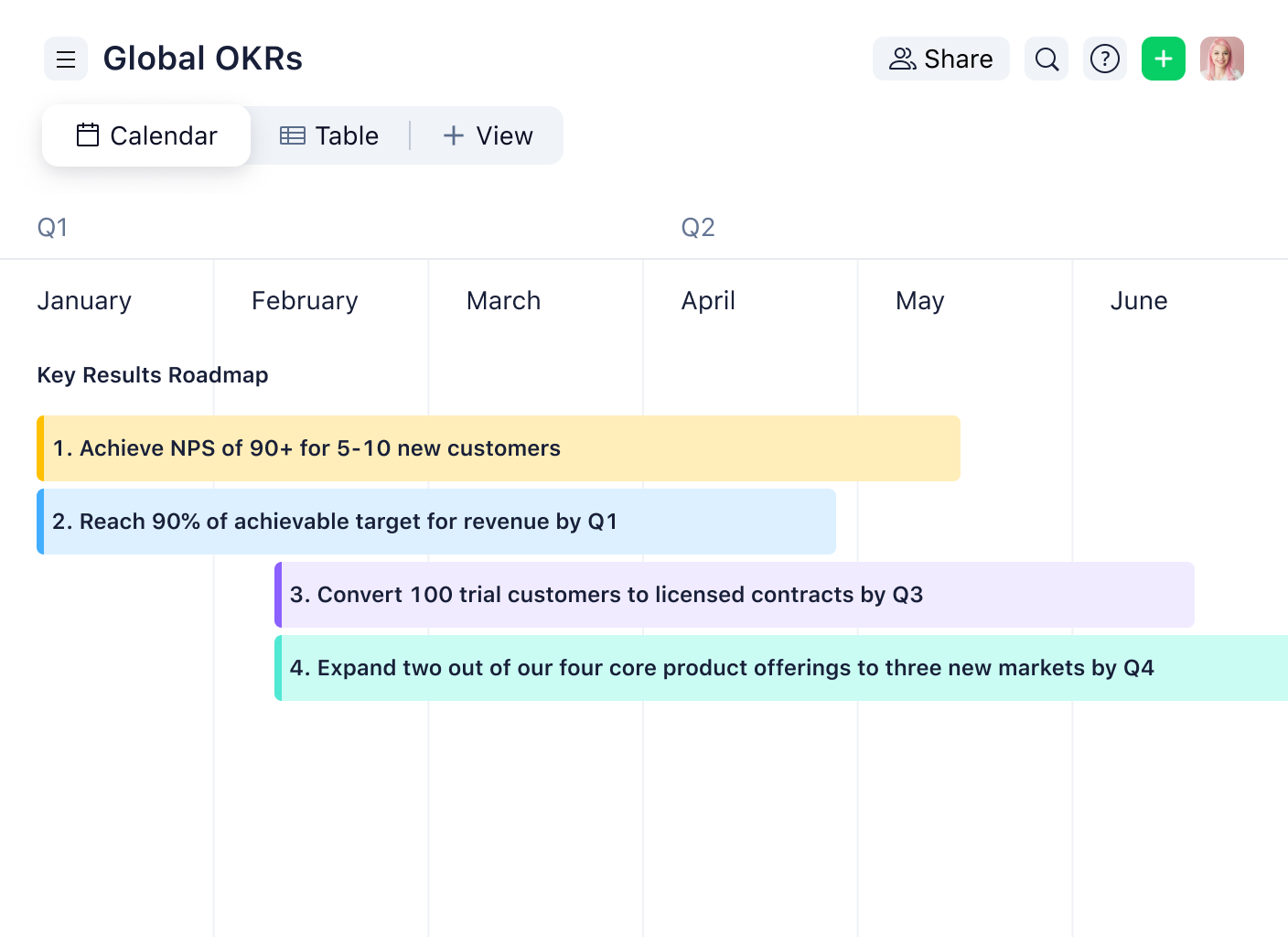
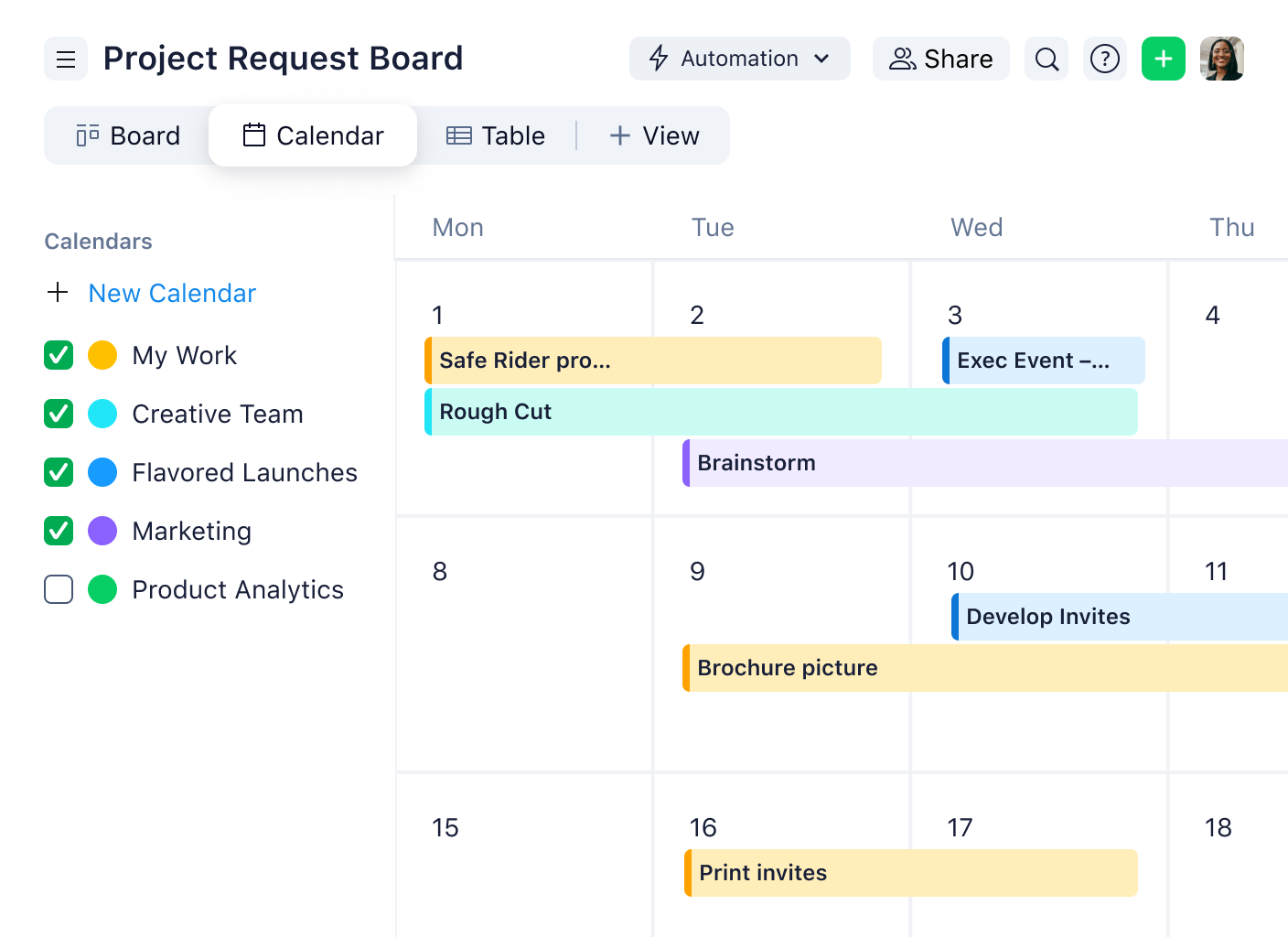








“We’re very excited about Wrike calendars. They allow us to align all our tactics, not only throughout the regions but also within HQ. Allowing us to align everything makes our messaging a lot clearer.”

“People are less stressed. They understand what work they need to get done and have ahead of them. We do more, and we do it faster. We’ve been able to handle 80 more projects per quarter.”

“Our timelines are planned and segmented by task — design, procurement, assembly, and testing. In the past, if we missed a deadline, it was difficult to identify which area needed additional support.”

“Wrike makes our work and day-to-day life much easier. Our design team alone have been able to increase their productivity to a level that would have been impossible prior to streamlining our workflow.”

“With Wrike, I am able to track and monitor all of my projects in one place. If asked about one of my projects, I can instantly go into Wrike and give them an update within 30 seconds.”





Yes, Wrike calendars can be shared via secure links or printed for offline collaboration.
Yes. In Wrike, the calendar is more than just a view. You can add items to the calendar and adjust dates as plans change, and those updates reflect back on the underlying tasks so everyone stays aligned.
A team calendar is best for seeing what’s happening when across people and projects at a glance. A timeline or Gantt view is better when you need to manage dependencies, sequencing, and the critical path for a specific plan.
Clashes show up when multiple items land on the same dates or when timelines overlap in ways that strain capacity. A single, shared view makes conflicts obvious early, so you can shift dates, rebalance assignments, or adjust scope before they become last-minute surprises.




