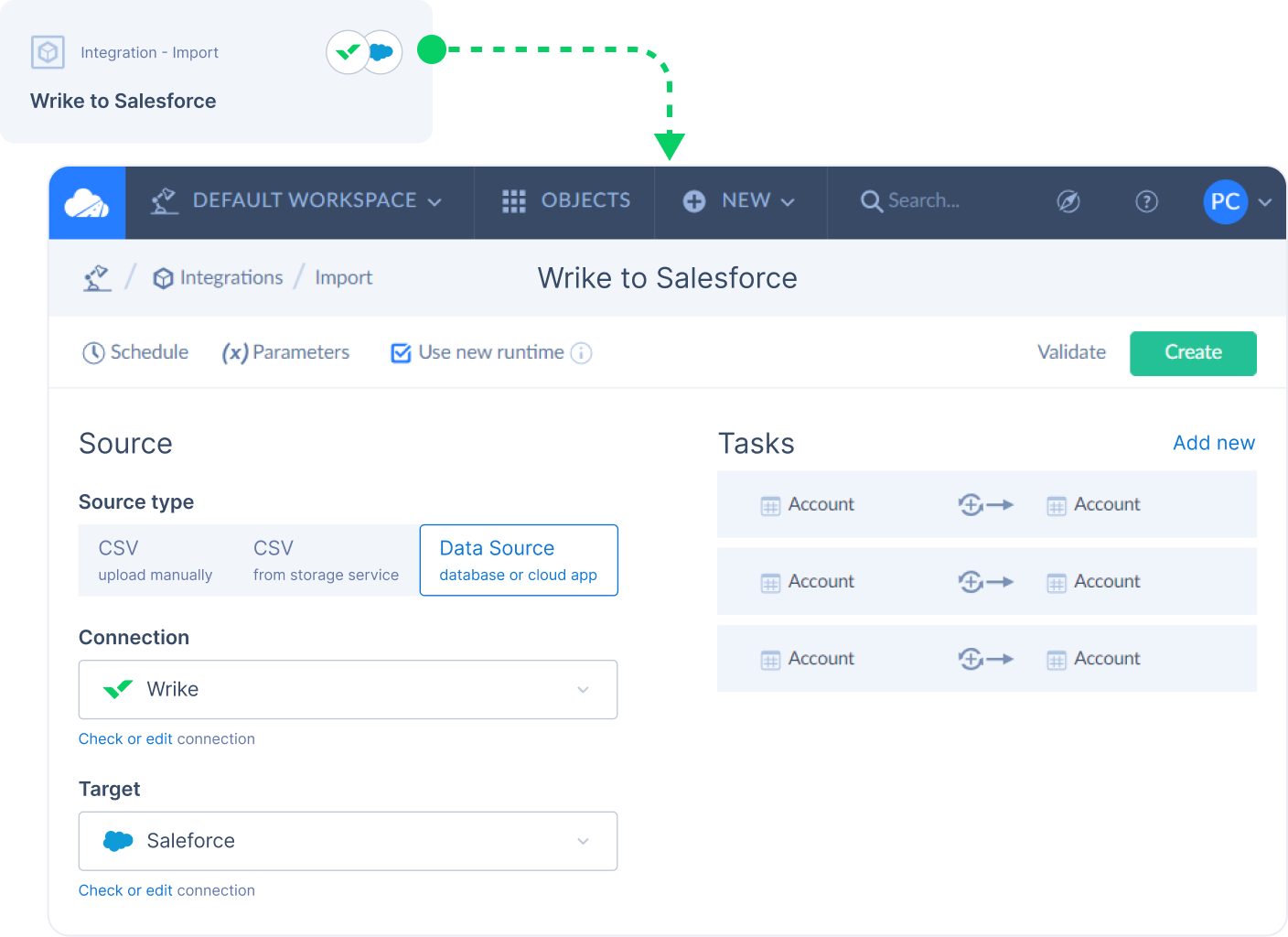
Integrate Wrike with a wide range of cloud applications, data warehouses, and relational databases.
Exporting/Importing
File Storage
ETL
Maximize valuable resources and eliminate repeated work
Capitalize on Wrike’s biggest assets: powerful automation and synchronization. Use the Skyvia integration to ensure data is replicated and updated, saving your team time.
Automate data loading to and from Wrike
Replicate Wrike data to relational databases
Synchronize Wrike data with cloud apps and relational databases
Automate data flows
Skyvia is a no-code cloud platform for solving a wide variety of data-related tasks with support for all major cloud apps, data warehouses, and databases.
The platform provides seamless data management and supports a wide variety of data integration scenarios including ETL, ELT, reverse ETL, data migration, one-way and bi-directional data sync, workflows automation, etc.
With Skyvia, users can unlock the full potential of Wrike and streamline their data operations effortlessly.
Connect your Skyvia and Wrike project
To start using the Skyvia and Wrike integration, follow these steps in your Skyvia plaform:
Click +NEW in the top menu.
Click Connection in the menu on the left to open the Select Connector page.
In the opened pane, click Wrike.
In the Connection Editor page, specify a connection name that will be used to identify the connection.
Click Sign In with Wrike.
In the opened window, enter your email and password used when signing in to Wrike.
Click Accept to give permission to Skyvia.
This will generate the authentication token.
Optionally, you can select the Suppress Extended Requests checkbox to reduce the number of API calls. Read more about this option to determine if it fits your needs.
Use the Test Connection button to make sure that the connection is successful, then click Create Connection.
For a detailed walkthrough on how to set up your first connection, read the instruction on specific Skyvia documentation.
Connect Wrike with Skyvia
Sign up for a free two-week trial of Wrike today — no credit card required.
4.5 based on 13,000+ reviews from
FAQ
The Skyvia integration is available as a paid add-on feature for Wrike Business Plan subscribers and above. You must provide credentials and be logged in to Skyvia to start using the features. The integration must also be enabled in “Admin settings” by account admins, and Enterprise admins can limit access to the integrations as required through account settings.
The Skyvia and Wrike integration will help you streamline your data operations, saving your team time they would otherwise use manually syncing, importing, and replicating data. This integration will allow your team to focus on high-level work by eliminating or automating time-consuming tasks.
You should be able to start your first project with the Skyvia and Wrike integration within minutes. Simply follow the above directions or read more in-depth instructions and start streamlining your data operations now.
Discover Wrike’s integration solutions
Use our smart search assistant to explore how Wrike’s integrations can optimize your productivity.
Wrike enhances its website search experience using Google's Vertex AI Search and Conversation generative AI service. Users are cautioned that generative AI might produce inappropriate, inaccurate, offensive, or unintended results, and are advised against submitting explicit, harmful, offensive, or illegal content as search input. Neither Wrike nor Google uses your search inputs to train its machine learning models or for advertising purposes, but search activities may be collected and/or stored via cookies in accordance with our Privacy Policy if you previously registered on our website. These cookies can be deleted through your browser settings. Wrike's search service is not designed to be used in connection with your personal data or any sensitive data of any kind, which users must refrain from inputting.