Wrike Copilot
Every team needs an extra hand. Wrike Copilot works alongside your team, delivering answers, insights, and progress updates in real time.

Wrike Copilot
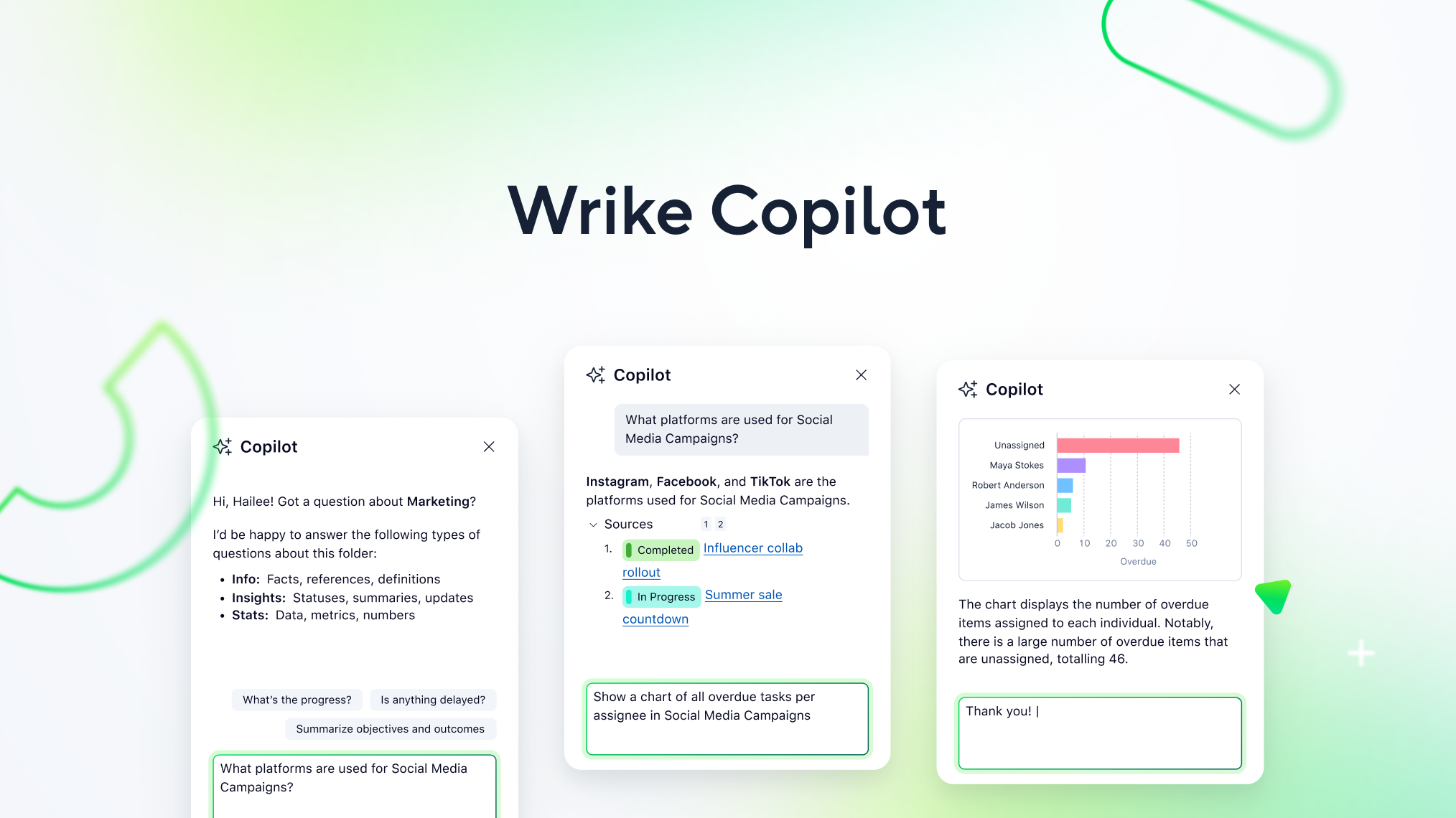
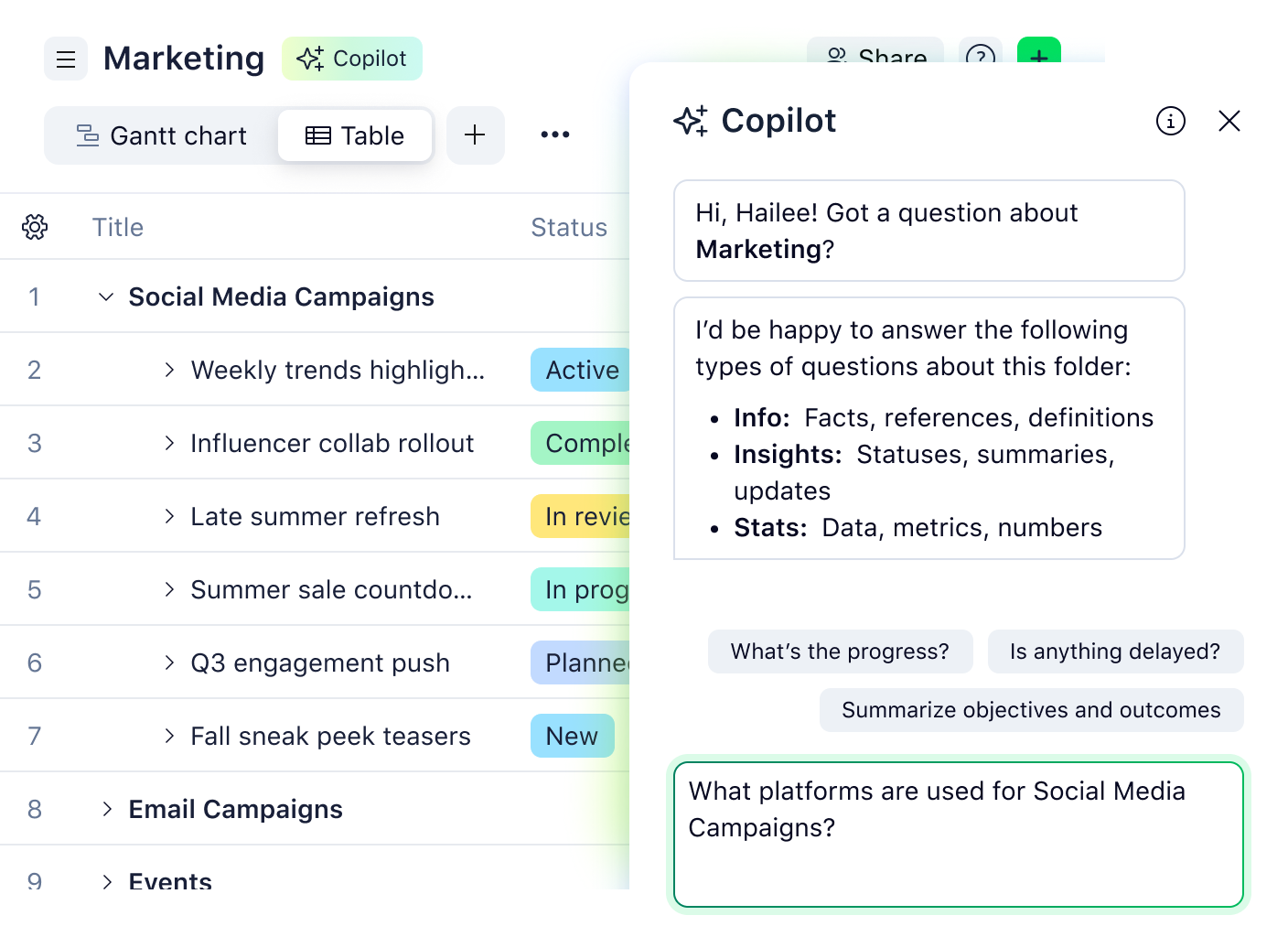
INSTANT ANSWERS
Who has time for status checks?
Skip digging through projects and tasks. Just ask, “What’s the status of our Q3 launch?” “Any risks coming up?”, or “What changed this week?”, and Copilot surfaces the answer in seconds.
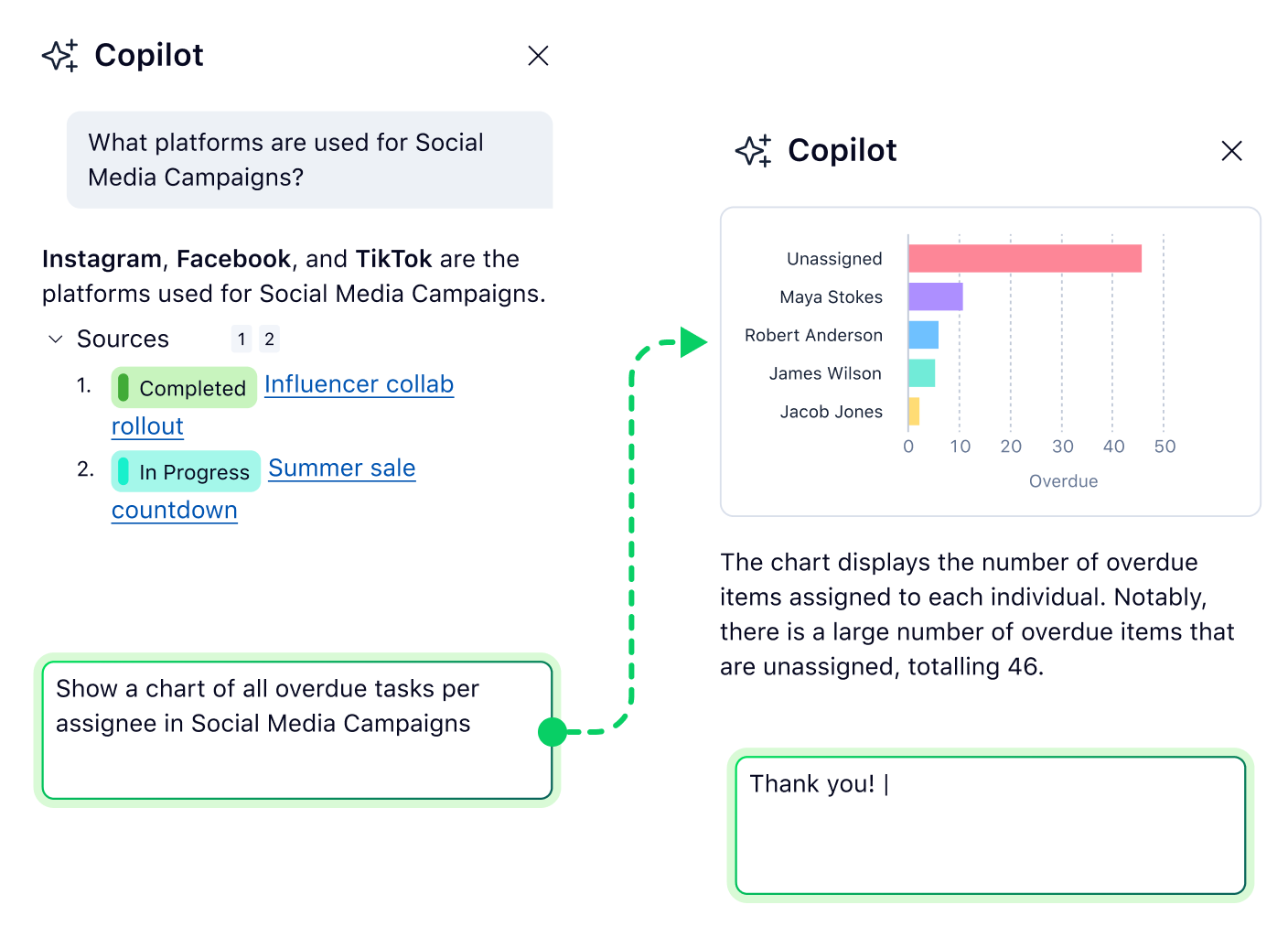
AI ACTION ITEMS
Turn conversations into decisions
Spot risks, track dependencies, and visualize your projects instantly — Copilot turns your portfolio and workload data into clarity for leaders.

NATURAL LANGUAGE
Make sense of your work, just by asking
Copilot understands your questions just like a teammate would, turning natural language into data-driven insights, charts, and actionable guidance in seconds.
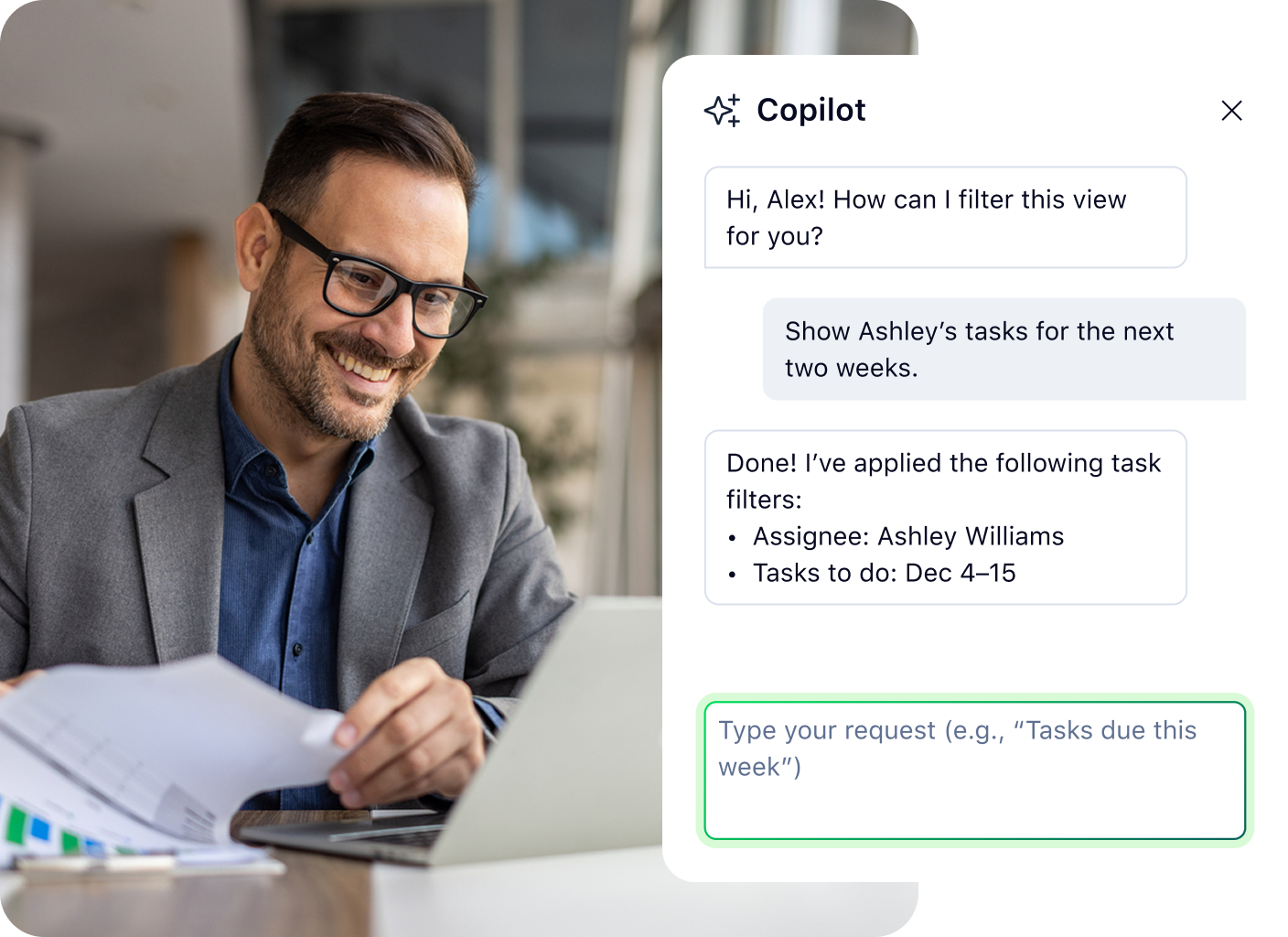
ENHANCED VISIBILITY
Optimize workloads and resources
Copilot shows who’s overloaded, who can take on more, and which projects are at risk — all in real time.
INSTANT ANSWERS
Who has time for status checks?
Skip digging through projects and tasks. Just ask, “What’s the status of our Q3 launch?” “Any risks coming up?”, or “What changed this week?”, and Copilot surfaces the answer in seconds.
AI ACTION ITEMS
Turn conversations into decisions
Spot risks, track dependencies, and visualize your projects instantly — Copilot turns your portfolio and workload data into clarity for leaders.
NATURAL LANGUAGE
Make sense of your work, just by asking
Copilot understands your questions just like a teammate would, turning natural language into data-driven insights, charts, and actionable guidance in seconds.
ENHANCED VISIBILITY
Optimize workloads and resources
Copilot shows who’s overloaded, who can take on more, and which projects are at risk — all in real time.





“Wrike Copilot is starting to look at a much broader range of things now. It can pull together what’s going on across a whole project or even a folder, and I think that’s really powerful.”

“By enabling Wrike Copilot, we empowered users to quickly retrieve answers from within Wrike using natural language, whether it was how to process a supplemental request, where to locate a plate log, or what the escalation path is for a customer issue.”

“Wrike’s AI features have become indispensable in my daily workflow, enabling me to accomplish more in less time and with greater accuracy.”

“With Wrike AI agents, I was able to implement AI to pull information from task titles to automatically fill in the missing fields. It cleans up the task workspace and handles the small, mundane tasks to save us valuable time so we can focus on the more creative and exciting parts of our work!”

“With Wrike AI agents, our intake form is essentially one required free-text field. Behind the scenes, a series of agents parses the submission, populates all the relevant custom fields, and automatically scores ideas based on criteria like potential impact and effort.”