

Wrike Tips





Try Wrike Free for 14 Days!
Improve your team's collaboration, enhance work visibility, and so much more.







News
5 min read
Streamline Your Creative and Digital Asset Workflows With Wrike
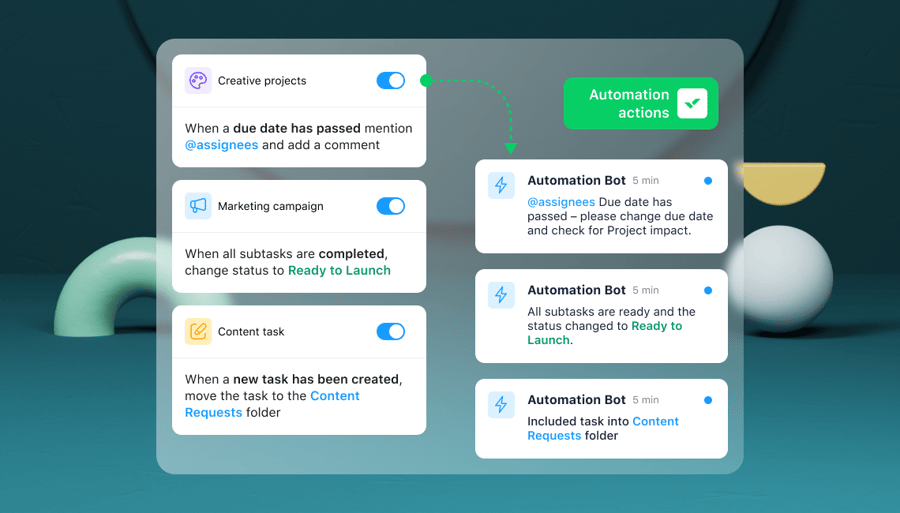
We’ve recently enhanced our offering for creative and digital asset workflows that we’re sure will level up processes for creative teams. We can’t wait to share these updates with you, so read on to learn about what’s new at Wrike for creatives.

Wrike Tips
5 min read
Championing Change: Casey Shew on the Secret to Perfecting Processes
Welcome back to another episode of Championing Change, our blog series designed to give you an inside look into the project management processes of real Wrike customers. The goal of this series is to highlight the ways Wrike users are leaning on specific Wrike features to increase adoption, improve efficiency, enable transparency and visibility, and move

Project Management
10 min read
Do More With Less: How To Boost Employee Morale
If we’ve said it once, we’ve said it a million times. It’s the era of efficiency for businesses around the world. We even published a study delving into current efficiency trends, and it confirms that 77% of business leaders are prioritizing efficiency. Our Do More With Less series delves into the practical ways actually doing more


Project Management
3 min read
Introducing Our New Customer-Focused Series: Championing Change
What we hear time and again from our customers is that they love to learn how other people use Wrike. While we’ve shared hundreds of organizational use cases and customer stories that give you a macro perspective of how Wrike can help your company thrive, we know our customers also want to know the nitty-gritty

Ask anything about Wrike
Get instant answers about Wrike features, workflows, and use cases.
Wrike enhances its website search experience using Google's Vertex AI Search and Conversation generative AI service. Users are cautioned that generative AI might produce inappropriate, inaccurate, offensive, or unintended results, and are advised against submitting explicit, harmful, offensive, or illegal content as search input. Neither Wrike nor Google uses your search inputs to train its machine learning models or for advertising purposes, but search activities may be collected and/or stored via cookies in accordance with our Privacy Policy if you previously registered on our website. These cookies can be deleted through your browser settings. Wrike's search service is not designed to be used in connection with your personal data or any sensitive data of any kind, which users must refrain from inputting.
