


One platform to
streamline all workflows

Improve visibility and alignment
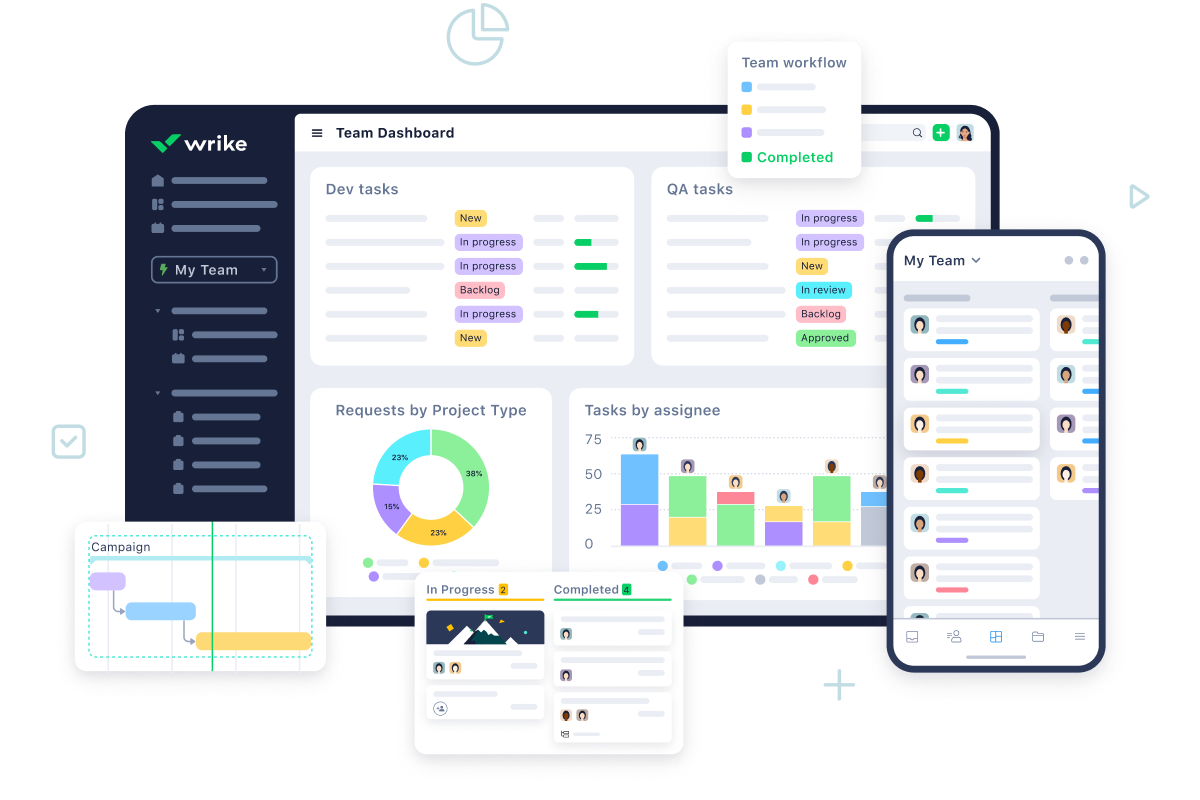
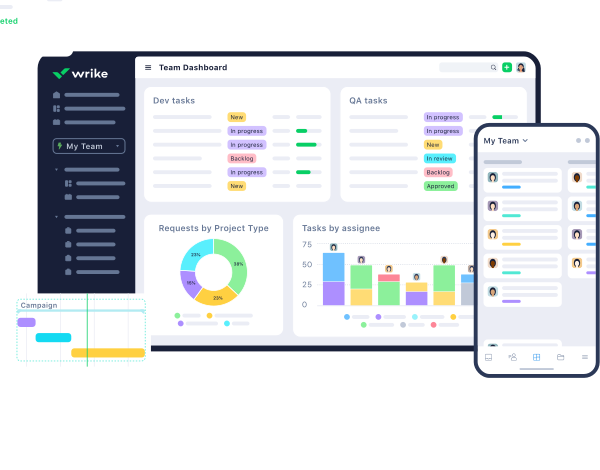
Create a single source of truth and align your teams and departments by centralizing all your work in one powerful platform.
Adapt workflows, change views, and tailor your workspaces to reflect your teams’ needs and preferences while maintaining 360° visualization.
Eliminate wasted efforts
Automate workflows to maximize productivity, minimize duplicate work, and slash the time spent on routine administrative tasks.
Create automatic approvals, request forms, and repeatable blueprints so teams can focus on their most valuable work.
Deliver on business outcomes faster
Align strategy with execution to accelerate delivery. Improve accountability, transparency, and collaboration to keep teams focused on key goals.
Access instant insights and real-time dashboards that support data-led decisions and Agile leadership.
Improve visibility and alignment
Create a single source of truth and align your teams and departments by centralizing all your work in one powerful platform.
Adapt workflows, change views, and tailor your workspaces to reflect your teams’ needs and preferences while maintaining 360° visualization.
Eliminate wasted efforts
Automate workflows to maximize productivity, minimize duplicate work, and slash the time spent on routine administrative tasks.
Create automatic approvals, request forms, and repeatable blueprints so teams can focus on their most valuable work.
Deliver on business outcomes faster
Align strategy with execution to accelerate delivery. Improve accountability, transparency, and collaboration to keep teams focused on key goals.
Access instant insights and real-time dashboards that support data-led decisions and Agile leadership.
Work views
A range of views
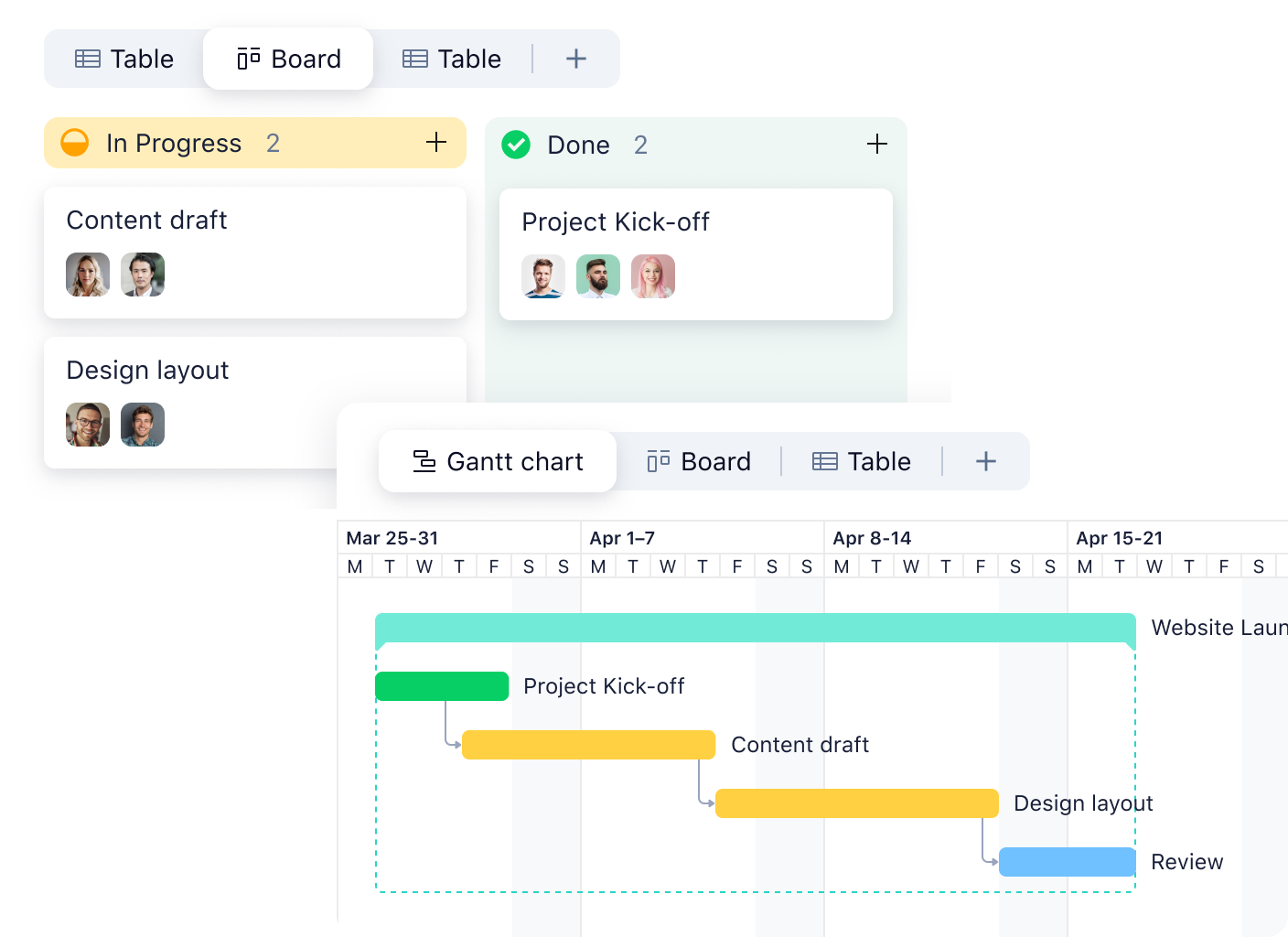
Visibility is mission critical for project management, but everyone digests information differently. That’s why we provide a range of views so you can visualize project progress, adjust resources quickly, and keep stakeholders informed. Try our industry-leading Gantt charts or easy-to-use Kanban boards.
Android and Apple app
Fully functional mobile apps
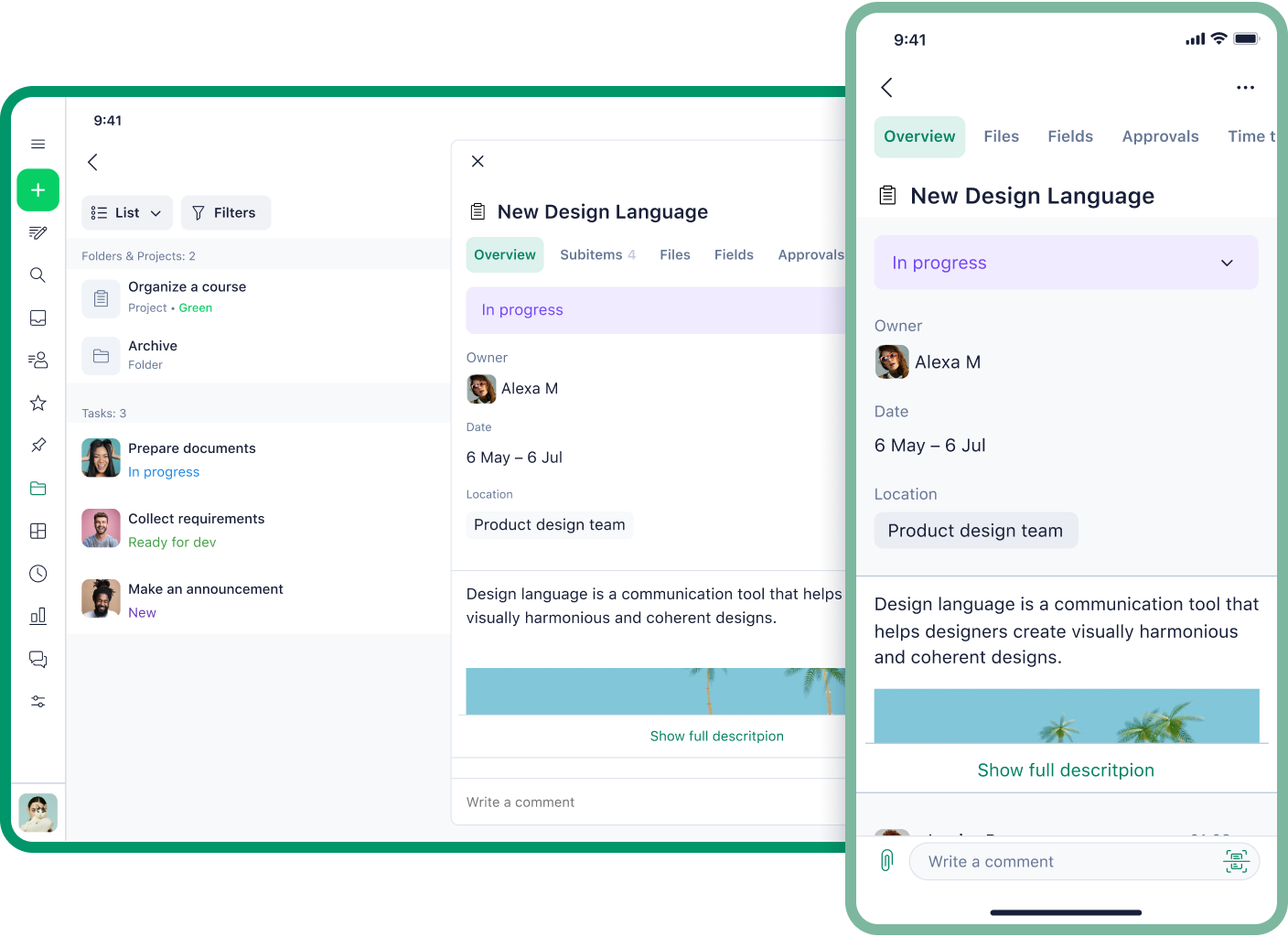
Access the entire Wrike platform from the palm of your hand, online and offline. Packed with every powerful feature and functionality, the Wrike app helps you access real-time updates from anywhere. Work your way via a laptop, desktop, tablet, or cell phone — the choice is yours.
Analytics & Dashboards
Real-time dashboards and analytics
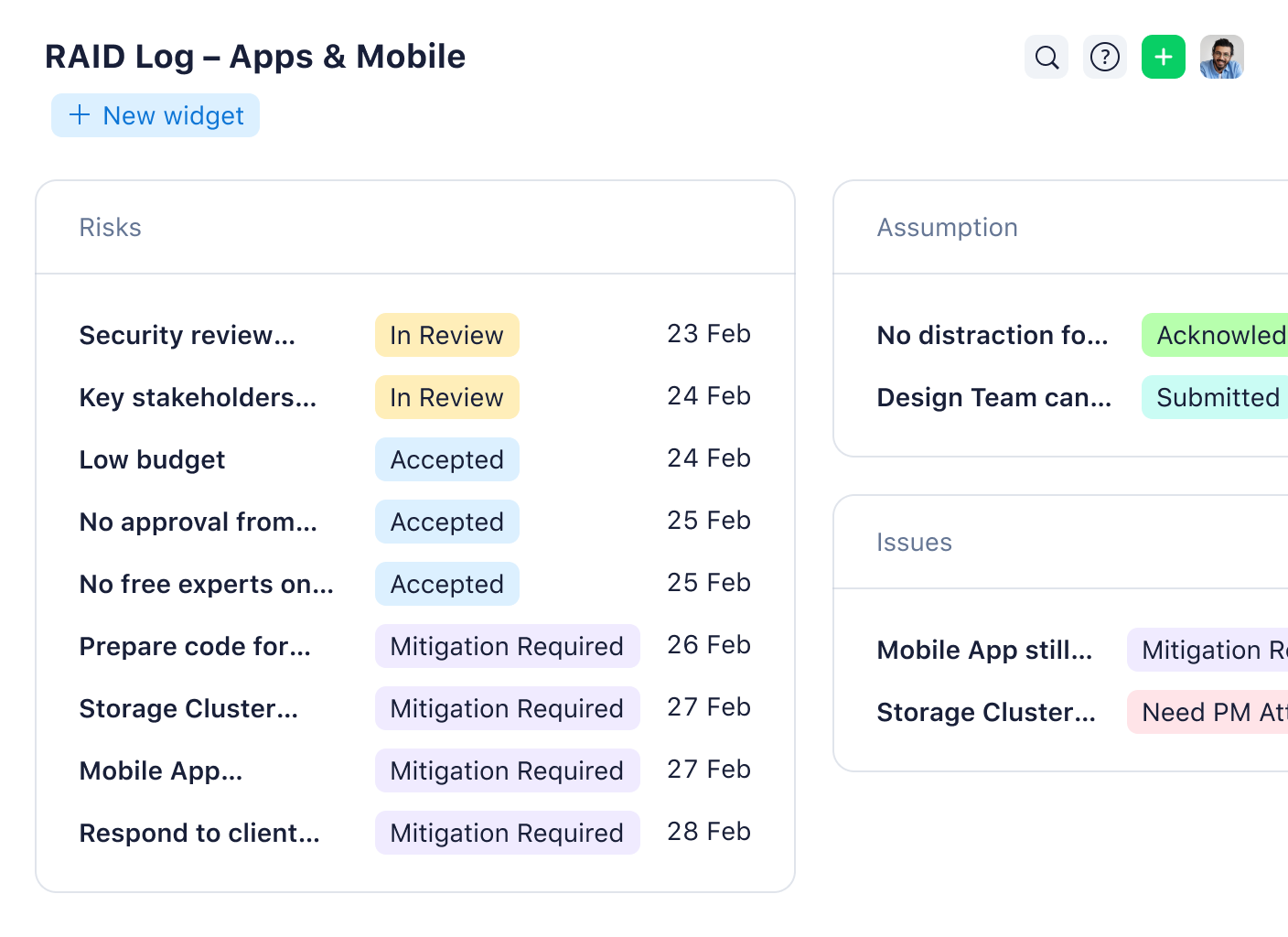
Our project dashboards help teams drive results. Understand plans, progress, analytics, and more — focus on minute details, or get the big picture fast. Create reports with a variety of metrics, calculations, and KPIs so you can quickly visualize key results.

Enterprise-grade security
Every Wrike user can enjoy complete peace of mind with Wrike’s enterprise-class security — included in all plans.
Integrate Wrike with your existing security functions and choose your preferred level of protection including double encryption, role-based access control, user authentication, and multiple privacy verifications. Need extra comfort? Add Wrike Lock so you can own and manage your own encryption keys.

24/7 global support
Wrike offers award-winning support to customers around the world in different time zones — up to 24 hours a day, seven days a week. Choose the perfect package that meets your needs, size, and budget.
Maximize Wrike’s benefits by accessing a wide range of in-depth guides, articles, webinars, and demonstrations on all the latest productivity-boosting features.

Easy onboarding
Get started with Wrike in a matter of minutes, with an intuitive interface that features natural navigation, attractive design, and effortlessly smooth adoption.
Our professional services team will ensure a smooth onboarding process including migrating from current work management tools, sharing best practices, and providing support as needed.
Marketing and Creative
Wrike supports marketing and creative teams as they create projects, campaigns, and assets of every kind — all from one place.

Streamline incoming requests, customize briefs, and automatically assign ownership
Collaborate with internal colleagues and external clients to accelerate feedback and signoff
Visualize results, plans, and workloads through detailed dashboards and powerful analytics

Professional Services
Wrike helps professional services teams, consultants, and agencies organize multiple projects and clients in one single source of truth.
Manage incoming requests and streamline workflows with automation
Track billable hours, monitor budgets, and issue internal and external reports
Visualize resources, manage allocations, and balance workloads with ease

Project Management Office
Wrike equips project managers of all types with everything they need to align strategy and OKRs with the execution of projects and programs.
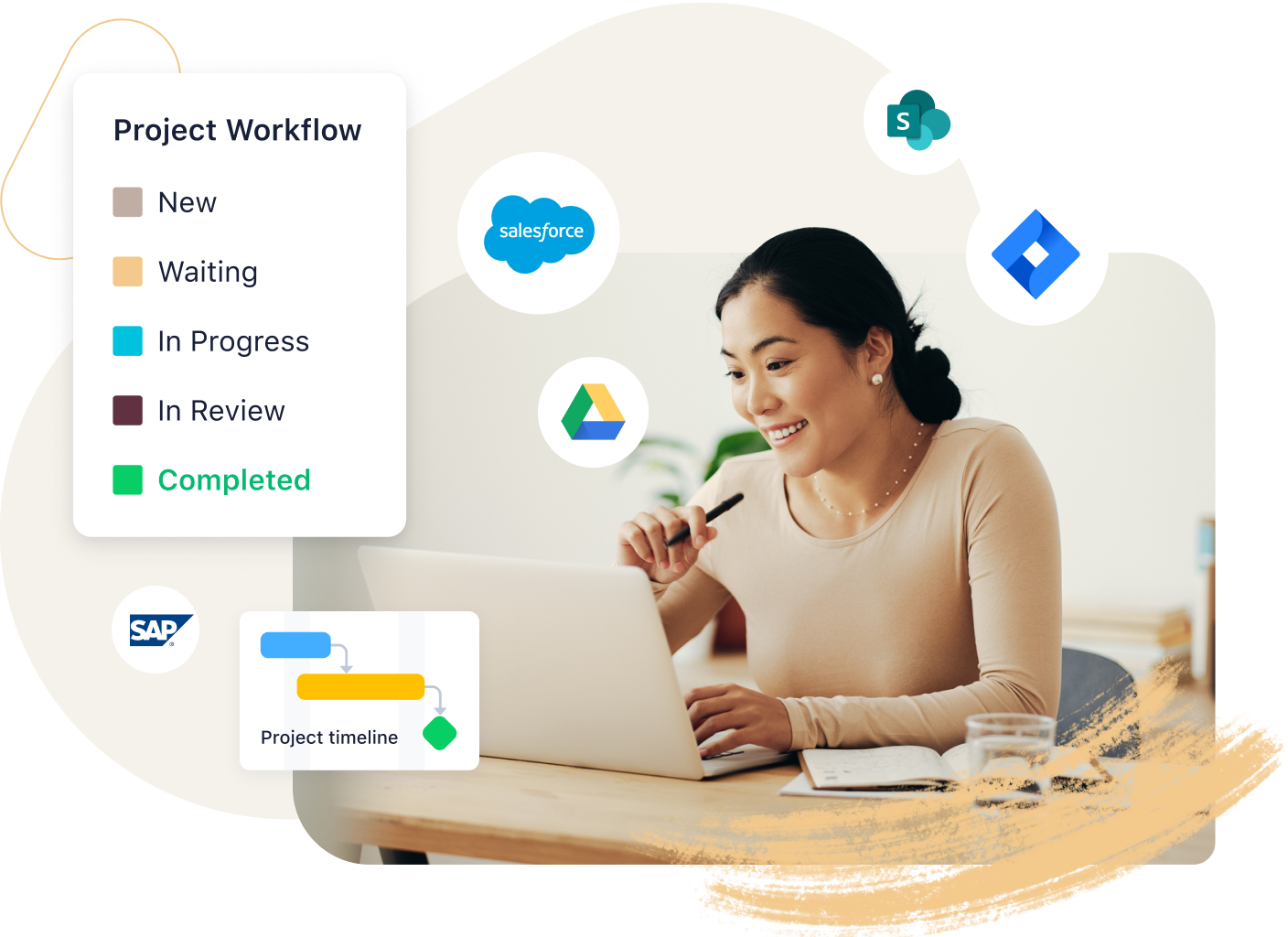
Visualize progress using Gantt charts, Kanban boards, calendars, tables, charts, or reports
Reduce risk and avoid roadblocks with intelligent AI recommendations
Standardize processes with automation, blueprints, and customizable workflows
IT and Engineering
Wrike helps IT ops, software engineers, and more streamline, manage, and automate service requests to deliver better work faster than ever.
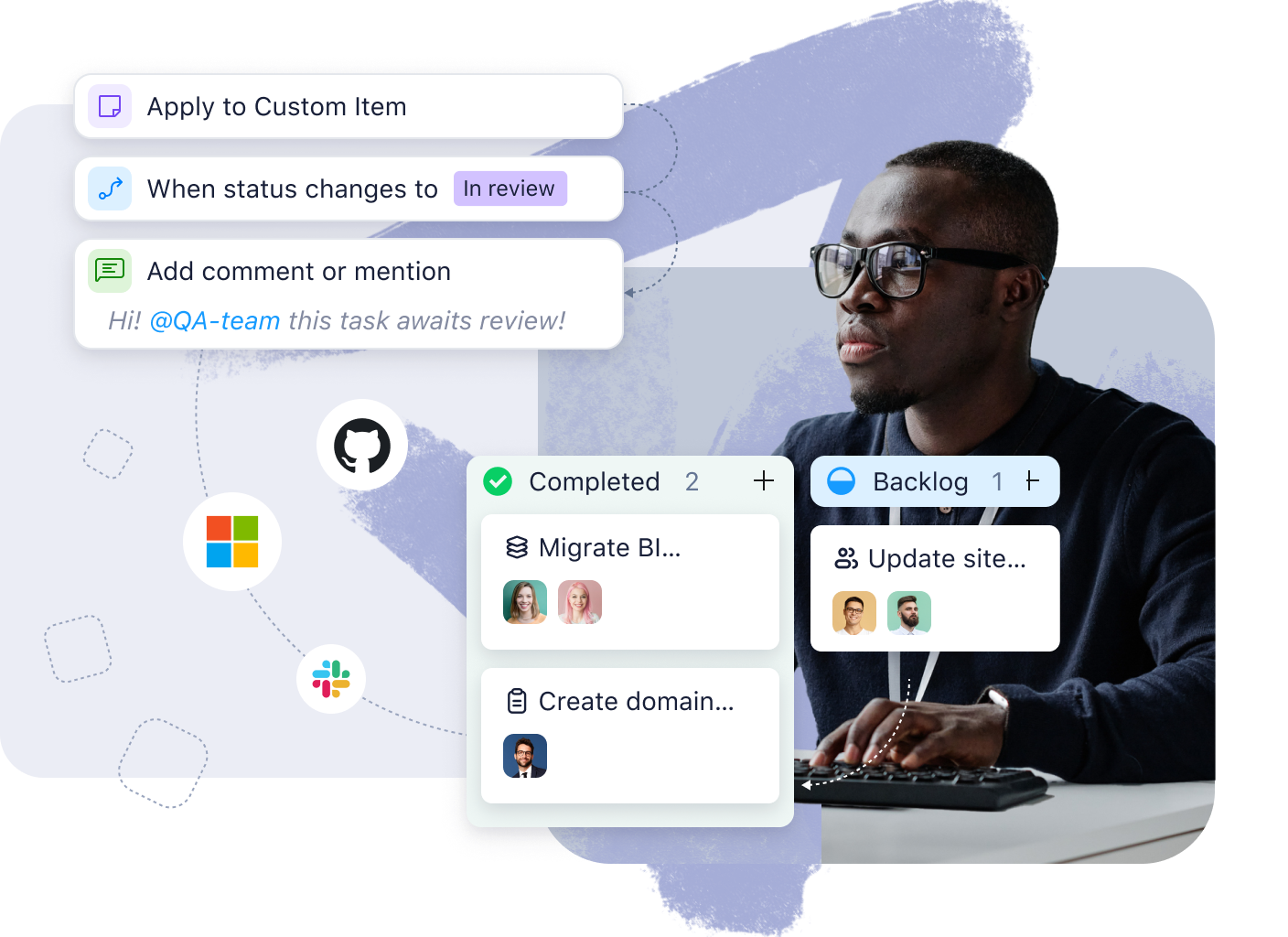
Automate routine IT processes to accelerate time-consuming manual tasks
Manage sprints, support tickets, and security approvals with custom fields and workflows
Execute sprints, maintain continuous momentum, and unify communication in one source of truth
Product Management
Wrike provides end-to-end support to product management teams who need to centralize work and communications in a single source of truth.
Design your own unique workspace with custom fields, statuses, and workflows
Manage sprints, backlogs, and user stories with custom fields and customized workflows
Optimize Agile workflows to assign tasks easily, hit targets consistently, and deliver quickly
Operations
Wrike enables marketing, business, and product operations teams to accelerate approvals and collaborate seamlessly with other teams.
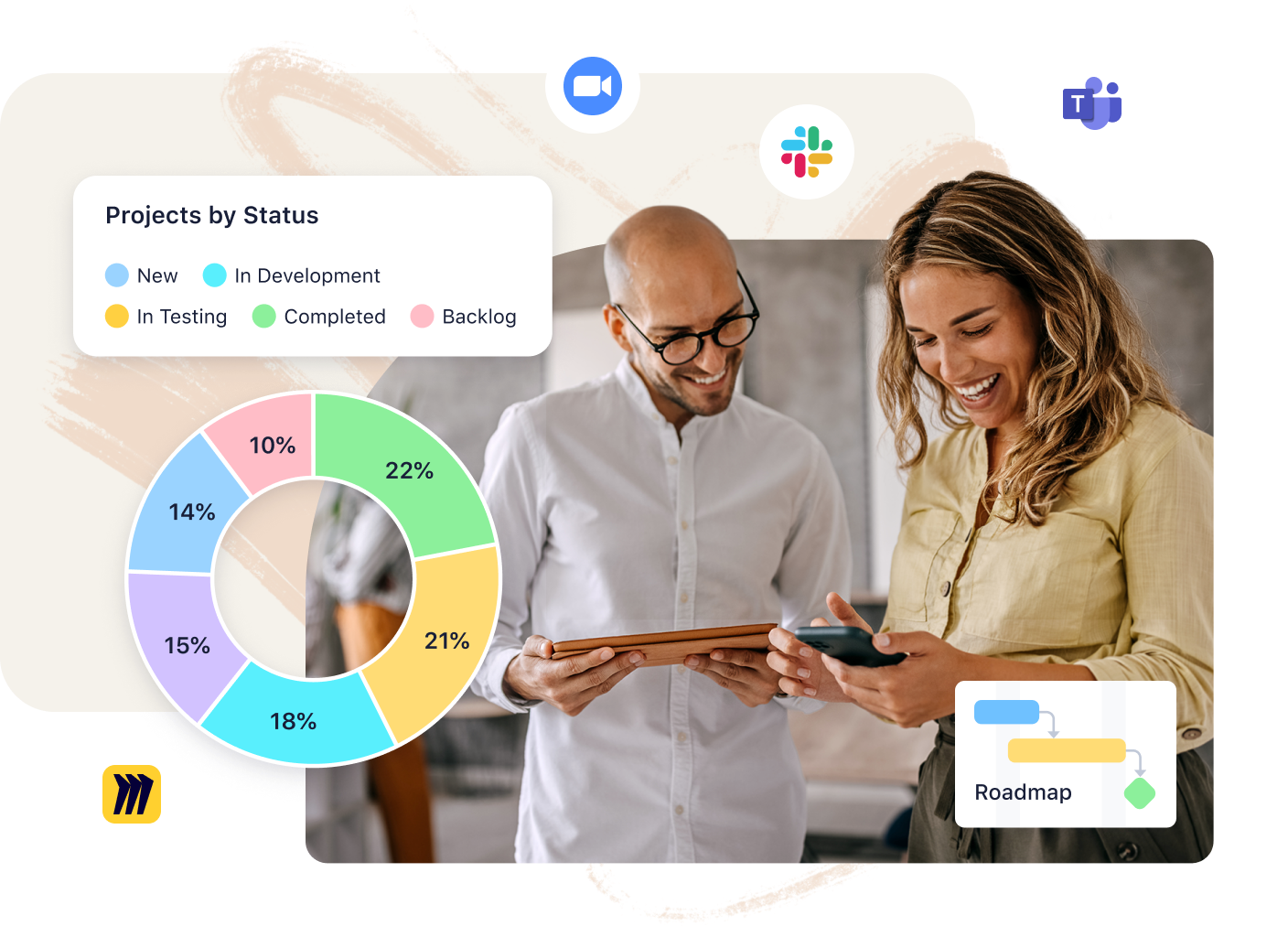
Create 360° project visibility with customizable dashboards, Gantt charts, and Kanban boards
Standardize teams’ processes using blueprints, templates, automation, and more
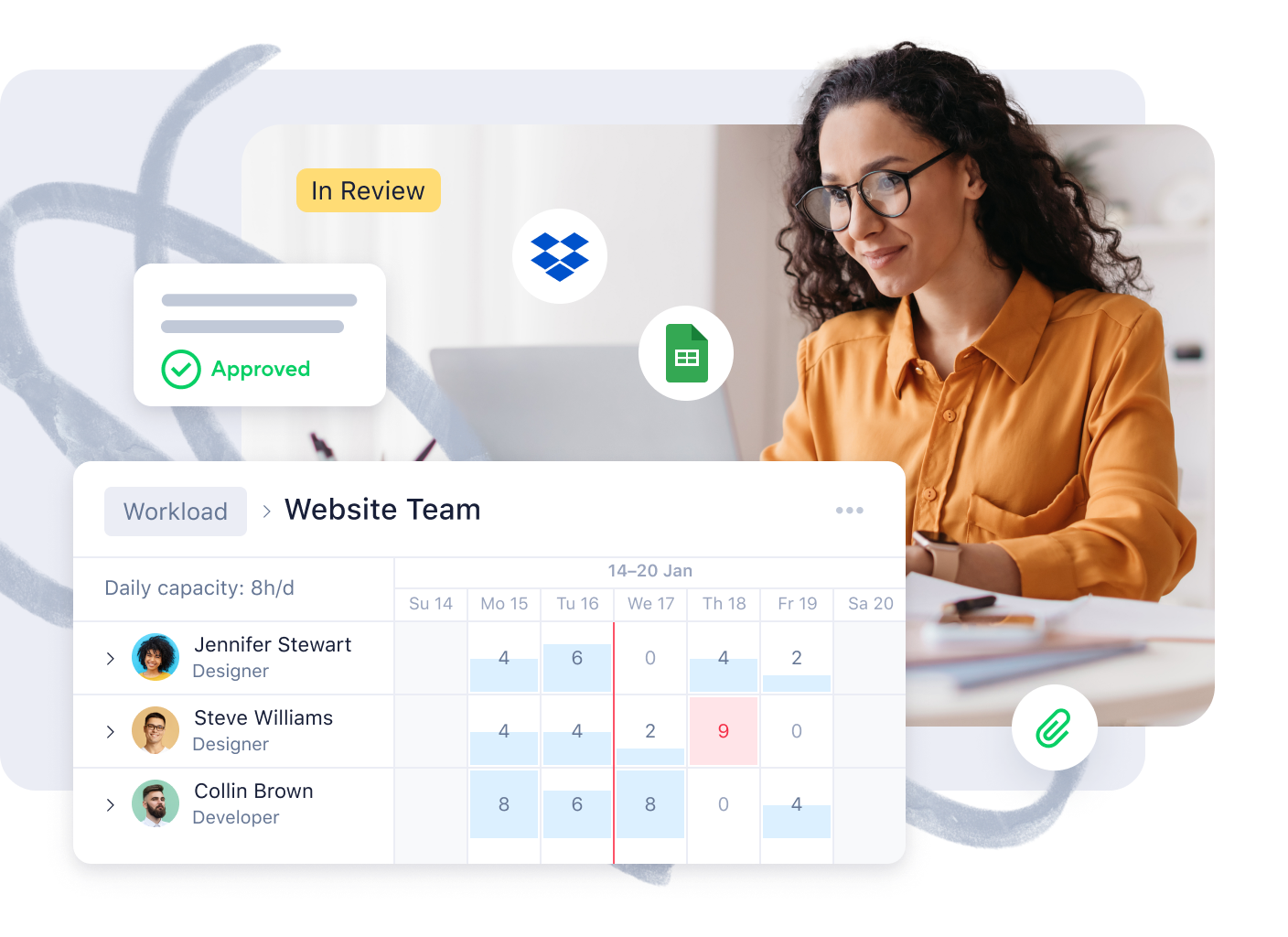
Balance team workloads and keep burnout at bay with our easy-access Workload view








“Everyone is in Wrike daily, we’ve built one story and one version of the truth. And that is a game changer for us. Now we do our project reviews in Wrike: no more need for presentations, word documents, or any of this additional work.“


“The moment our teams saw Wrike, we heard a resounding 'yes' – it was the one system that met each and every one of our team’s comprehensive and complex requirements.“
tasks issued in Wrike every day
tasks executed through Wrike


“I'm thankful for Wrike. It's a fast-paced world, and we're all trying to keep up. Wrike helps me do just that.”
square feet of space filled with Rangers branding with Wrike

“Wrike helps us collaborate in the best possible way, and it gives our teams the support they need to work better. We could roll out a tool on a global scale, and we were also able to offer a secure and an integrated tool.”
users in 20+ countries
improved productivity


“Wrike makes our work and day-to-day life much easier. Our design team alone have been able to increase their productivity to a level that would have been impossible prior to streamlining our workflow.”