According to the 2015 Work Management Report which surveyed 1,400 knowledge workers, the top productivity roadblock for 60% of respondents was "working on too many things at the same time," followed by "unclear priorities" (31%) and "too many requests from others" (28%).
Believe me, we get it, since we struggle with the same issues. Your team gets dozens of new requests via email, chat, meetings, cubicle drive-bys, sometimes even in the lunch room. No matter where these requests come from, they’re difficult to track and prioritize and often lack necessary info. (e.g. "Who is the target audience?!") Without an organized way to receive these requests, you could easily spend half a day trying to track down all the details you need. Solving this challenge has never been easy because new requests can come from any number of channels.
That’s why we’re so excited to bring you our newest feature: Wrike Requests.
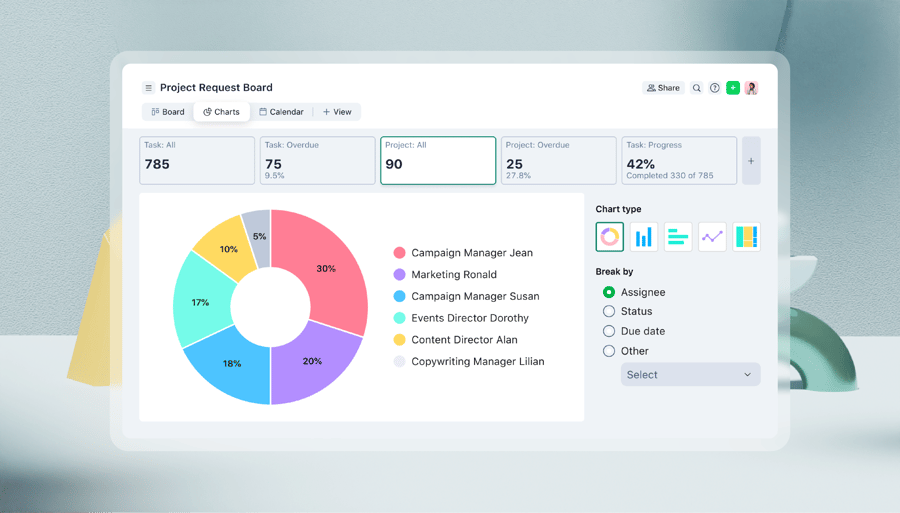
Wrike Requests speeds up the process of accurate work intake and provides complete control over prioritizing, managing, and tracking work requests. With this new feature, you get the right information every time;
- Shortening the time it takes to complete a project
- Reducing rework and miscommunication that results in costly delays
- Improving visibility into progress for key stakeholders
Never Receive Another Incomplete Work Request
Customize submission requirements and standardize your team’s work intake process so you can begin work faster and with clear direction.
Common Request Forms to Help you Get Started
Some of the common request forms we use here at Wrike include:
- New project request
- Issue/change request
- Creative brief
- Request for proposal
- IT request
- New hire set-up
Learn More About Wrike Requests
Join an upcoming webinar where we’ll teach you how to use Wrike to standardize incoming requests, approve new work, and turn requests into projects.
Wrike’s new request feature is now available to all Wrike Enterprise customers. Whether you’re an expert or you’ve never touched Wrike at all, you can try out Requests for your team now by starting a free trial of Wrike Enterprise.